
A security camera is one of the most popular smart home purchases, and it is easy to see why: you can check on your porch, watch for package thieves, keep an eye on pets or make sure a teenager got home safely, all from your phone. But the market is crowded with choices, and the cheapest camera may require an expensive monthly subscription to save video. This guide explains what to look for and compares the leading brands so you can build a system that fits your home and budget.
Disclosure: some links may earn us a commission; read our affiliate disclosure. Features and pricing change often, so verify before buying.
Types of Home Security Cameras
Outdoor cameras
Weatherproof cameras watch driveways, yards and entry points. Look for night vision, a wide field of view, motion detection and an IP65 or better weather rating.
Indoor cameras
Smaller, plug-in cameras monitor living rooms, nurseries and pets. Many include privacy shutters and two-way audio.
Wire-free battery cameras
Battery models are easy to place anywhere with Wi-Fi coverage and require no wiring. You must recharge or swap batteries every few months, depending on activity. Solar panel accessories can extend battery life.
Wired and PoE cameras
Wired systems are more reliable and avoid battery maintenance, but installation is more involved. They suit people who own their homes and want a permanent setup.
Video doorbells
A doorbell camera covers your front door. See our guide to the best video doorbells.
What to Look For
- Video quality: 2K resolution offers more detail than 1080p, with good HDR and color night vision.
- Field of view: wider angles cover more area with fewer cameras.
- Smart alerts: person, vehicle, package and animal detection reduces false alarms.
- Storage: cloud subscriptions, local microSD cards or a home hub.
- Ecosystem: compatibility with Alexa, Google Home or Apple Home.
- Privacy and security: encryption, two-factor authentication and clear data policies.
Top Brands and Picks
Ring: best ecosystem and doorbell integration
Ring offers a broad lineup of cameras, doorbells and alarm systems with an easy app, though full video history requires a subscription.
Arlo: best for premium wire-free quality
Arlo cameras deliver sharp video and strong battery designs, with a subscription for advanced features and cloud storage.
Eufy: best for no monthly fees
Eufy emphasizes local storage, with a home base that saves footage without subscription requirements, an appealing choice for people who dislike recurring costs.
Wyze: best budget
Wyze provides capable cameras at very low prices with optional paid plans and local microSD recording.
Google Nest: best for Google Home users
Nest cameras integrate with Google Home and offer smart detection, with some features requiring a subscription.
Subscription vs Local Storage
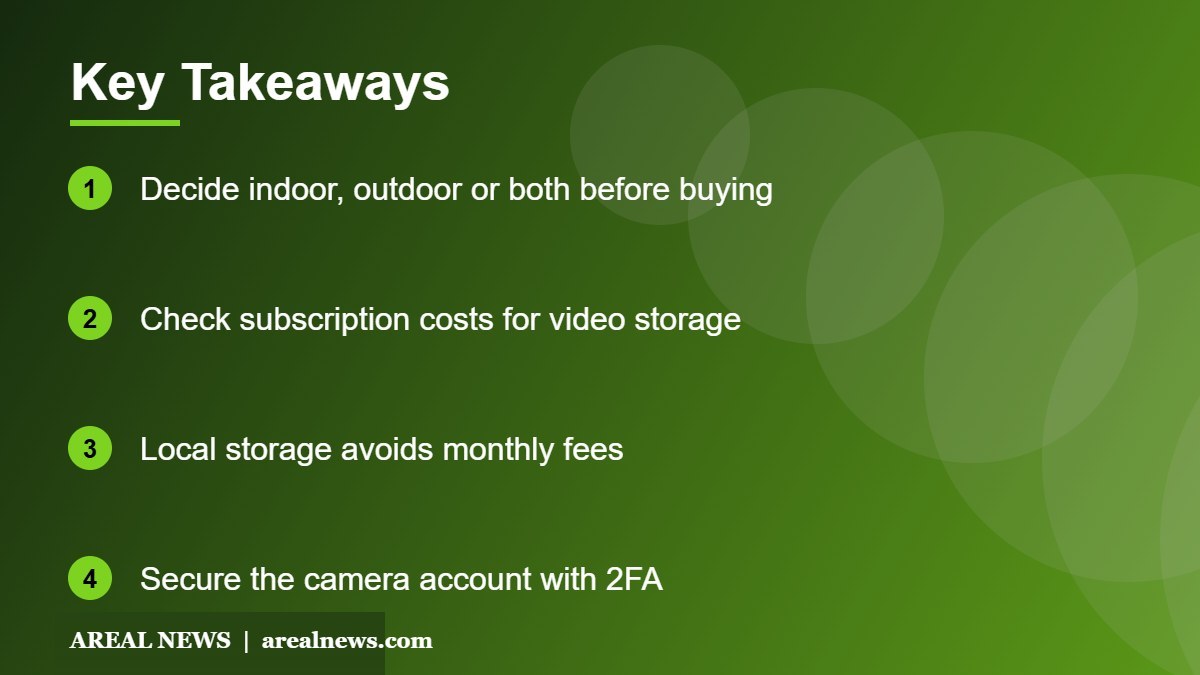
Cloud plans keep footage safe if the camera is stolen, and they unlock smart alerts, but costs add up across several cameras. Local storage avoids monthly fees, but footage can be lost if the device is taken. Many people combine a basic cloud plan for important cameras with local recording for others.
Placement Tips
- Cover entry points: front door, back door and ground-floor windows.
- Mount cameras high enough to avoid tampering but low enough to capture faces, around eight to ten feet.
- Avoid pointing directly at bright lights, which cause glare.
- Ensure strong Wi-Fi at each location. See best mesh Wi-Fi systems.
- Respect neighbors’ privacy and local laws; do not record inside others’ homes or private areas.
Security and Privacy of the Cameras Themselves
Camera accounts are valuable targets. Use a unique password from a password manager, enable two-factor authentication, keep firmware updated and put cameras on a guest or separate network where possible. Be careful with sharing features and review who has access.
DIY or Professional?
Many households start with a few DIY cameras. For a full alarm with monitoring, see our comparison of DIY vs professional home security.
Smart Buying and Safety Checklist
Smart home devices bring convenience, but they also bring accounts, apps and always-on connections. Choose brands that publish security updates, use strong unique passwords and two-factor authentication, and keep devices on a separate guest or IoT network where possible. Check subscription requirements before buying, since cloud video storage and advanced features often cost extra every month. Read the privacy policy to see where recordings are stored and who can access them.
Frequently Asked Questions
Do security cameras need Wi-Fi?
Most do, though some use cellular or wired connections.
How long do batteries last?
From a few weeks to several months, depending on usage, settings and weather.
Are security cameras legal?
Generally yes for your own property, but laws restrict recording audio and private spaces. Check local rules.
Final Verdict
Choose Ring or Arlo for polished ecosystems, Eufy for local storage and no fees, Wyze for budget builds and Nest for Google homes. Count the total cost including subscriptions, and secure your account before you hang the first camera.
How We Research and Update This Guide
Every Areal News guide on smart home and security starts with the questions U.S. readers actually ask. We review official documentation, published specifications, independent test results where they exist and real-world user feedback, then compare products on the same criteria so recommendations are consistent. We explain our reasoning instead of simply ranking products, so you can adjust the advice to your own situation and budget.
Technology changes quickly. Prices, plans, features and availability can change after publication, so always confirm current details on the provider’s own website before you buy or sign up. We revisit our guides regularly and update them when something important changes. If you spot an error or an out-of-date recommendation, please tell us through our contact page and we will review it promptly.
Some of our articles contain affiliate links. If you purchase through one, we may earn a commission at no additional cost to you. Commissions never decide which products we recommend or how we rank them; our affiliate disclosure explains how we keep editorial decisions independent. This article is for general information and is not professional legal, financial or security advice.


