
When you buy hosting, the first decision is the type of plan, and the terminology can be bewildering. Shared, VPS, cloud, managed, dedicated: each has a different price, level of performance and amount of technical work required. Choosing too small a plan leaves visitors waiting for pages to load, while choosing too big wastes money. This guide explains each type in plain English so you can match hosting to your website and your budget.
If you already know what you need, jump to our picks for the best web hosting for small business or the best WordPress hosting. Some links may be affiliate links; see our disclosure.
The Apartment Analogy
Think of hosting as housing. Shared hosting is a shared apartment: affordable, but you share space with roommates and a noisy neighbor can affect you. A VPS is a condo: your own defined space and resources inside a larger building. Cloud hosting is like renting rooms on demand across many buildings, so you can expand instantly. Dedicated hosting is owning the whole house.
Shared Hosting
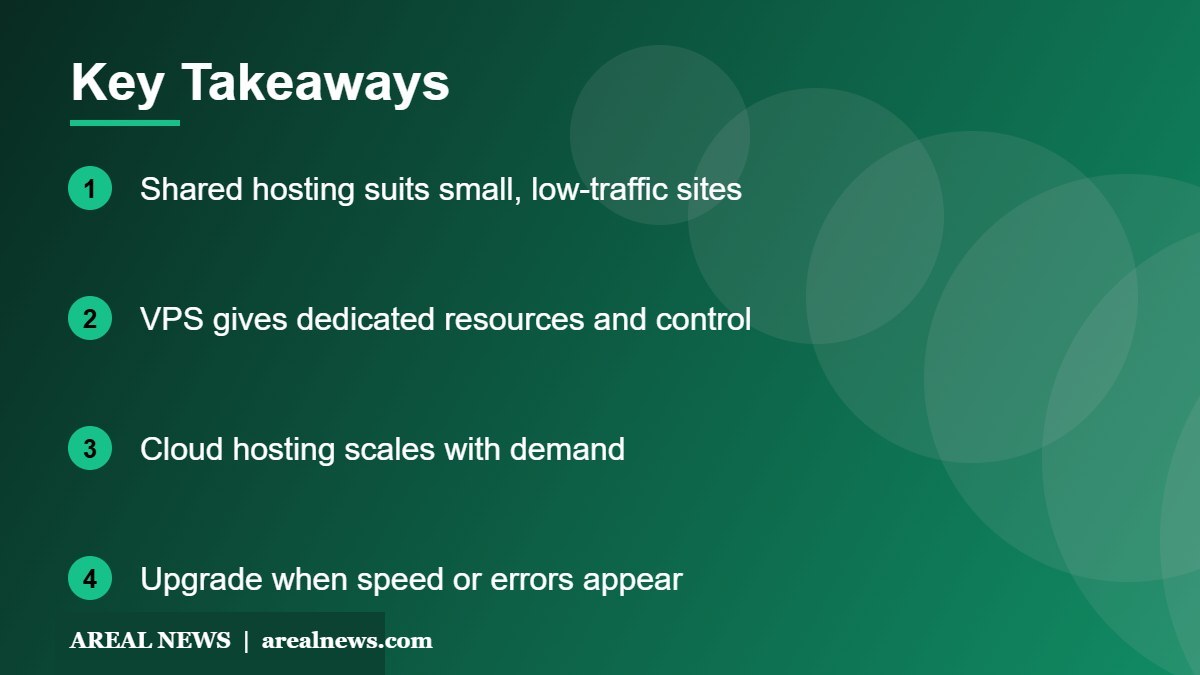
On shared hosting, hundreds or thousands of websites live on a single server and share its CPU, memory and bandwidth. The host manages the server, so you do not need technical skills.
Pros
- Lowest price, often just a few dollars per month on introductory plans.
- Easy control panels and one-click WordPress installs.
- No server maintenance.
Cons
- Performance can fluctuate if neighbors use many resources.
- Limited customization and resource caps.
- Less isolation, so security depends on the host’s setup.
Best for: new blogs, portfolios, local business brochure sites and small projects with modest traffic.
VPS Hosting
A virtual private server uses virtualization to carve a physical server into separate environments, each with guaranteed CPU, RAM and storage. You get more power and control, often including root access.
Pros
- Dedicated resources provide steady performance.
- Better security isolation.
- Customizable software and settings.
Cons
- More expensive than shared hosting.
- Unmanaged plans require technical skills; managed plans cost more.
Best for: growing businesses, WooCommerce stores, membership sites and developers who need custom configurations.
Cloud Hosting
Cloud hosting runs your site across a network of connected servers. If one fails, others take over, and you can add or reduce resources quickly. Pricing is often based on usage.
Pros
- Excellent uptime and redundancy.
- Scalable for traffic spikes.
- Pay for what you use on many plans.
Cons
- Pricing can be harder to predict.
- Some setups need technical knowledge.
Best for: online stores, media sites, apps and anything with unpredictable traffic.
Dedicated Hosting
You rent an entire physical server. It offers maximum performance and control, and it is the most expensive. Most small businesses never need it.
Comparison at a Glance
- Cost: shared lowest, then VPS and cloud, with dedicated at the top.
- Performance: shared variable, VPS consistent, cloud highly scalable, dedicated strongest.
- Skill needed: shared minimal, VPS and cloud moderate unless managed.
- Scalability: cloud is best, VPS is good, shared is limited.
Signs It Is Time to Upgrade
- Pages load slowly even after optimization.
- You see resource limit or 503 errors.
- Your host warns about CPU or memory use.
- Traffic is growing steadily or spikes during promotions.
- You need custom software that shared plans do not allow.
How Much Traffic Can Each Handle?
There are no universal numbers, since it depends on how your site is built. As a rough guide, a well-optimized small site on shared hosting can handle a few thousand visitors monthly, a VPS can handle tens of thousands, and cloud plans can scale far beyond that. Heavy plugins, large images and dynamic features reduce capacity. Improve speed first by following the tips in our WordPress hosting guide.
Real-World Examples
A freelance photographer
A photographer with a portfolio of optimized images and a contact form can run comfortably on shared hosting. The main priorities are a fast theme, compressed images and a reliable host with daily backups. If the portfolio grows to hundreds of large galleries, adding a CDN will help more than changing server types.
A growing local e-commerce shop
A shop that sells a few hundred products and runs promotions during holidays will probably outgrow shared hosting in its first year. Checkout pages are dynamic and cannot be cached the way blog posts can, so a VPS or managed cloud plan keeps the store responsive when many customers arrive at once.
A news or media site
Publishers see sharp traffic spikes when a story goes viral. Cloud hosting with automatic scaling and a CDN prevents the site from crashing at the moment it matters most, and the usage-based billing means you do not pay for peak capacity all month.
Managed vs Unmanaged
Managed plans include server maintenance, updates, security and support. Unmanaged plans leave those tasks to you. Unless you have technical skills or a developer, choose managed hosting for VPS and cloud plans.
A Simple Decision Framework
If your site earns no revenue yet and gets fewer than a few thousand visits each month, start with shared or entry-level managed hosting. If it processes payments, stores customer data or drives meaningful income, move to a VPS or managed cloud plan with backups and support. If traffic is unpredictable or your site is critical to the business, choose cloud hosting with scaling and monitoring. Revisit this decision every six to twelve months as your site changes.
Security Considerations
Whatever you choose, enable SSL, keep software current, use strong credentials and take regular backups. See our backup guide and protect admin accounts using the advice in our two-factor authentication guide.
Frequently Asked Questions
Is VPS faster than shared hosting?
Usually yes, because resources are guaranteed rather than shared.
Is cloud hosting more expensive?
It can be, but usage-based pricing may save money for sites with variable traffic.
Can I start on shared hosting and upgrade later?
Yes. Most hosts allow easy upgrades, and migrations are common.
Which type is best for a new website?
Shared or entry-level managed WordPress hosting is usually enough. Upgrade when traffic and revenue justify it.
The Bottom Line
Start with the smallest plan that fits your needs, monitor performance and upgrade when signs appear. Understanding the differences ensures you pay for what you use and keep your site fast as it grows.


