
A video doorbell is often the first smart home device people buy, and it can be the most useful. Instead of guessing who is at the door, you see a live view on your phone, talk to visitors from anywhere, keep an eye out for package thieves and review recordings of anything that happens on your porch. Choosing the right model, however, involves several decisions: wired or battery, subscription or local storage, and which ecosystem to join. This guide compares leading models and helps you choose with confidence.
Disclosure: some links may earn commissions; see our affiliate disclosure. Check current features and prices before buying.
Wired vs Battery Doorbells
Wired
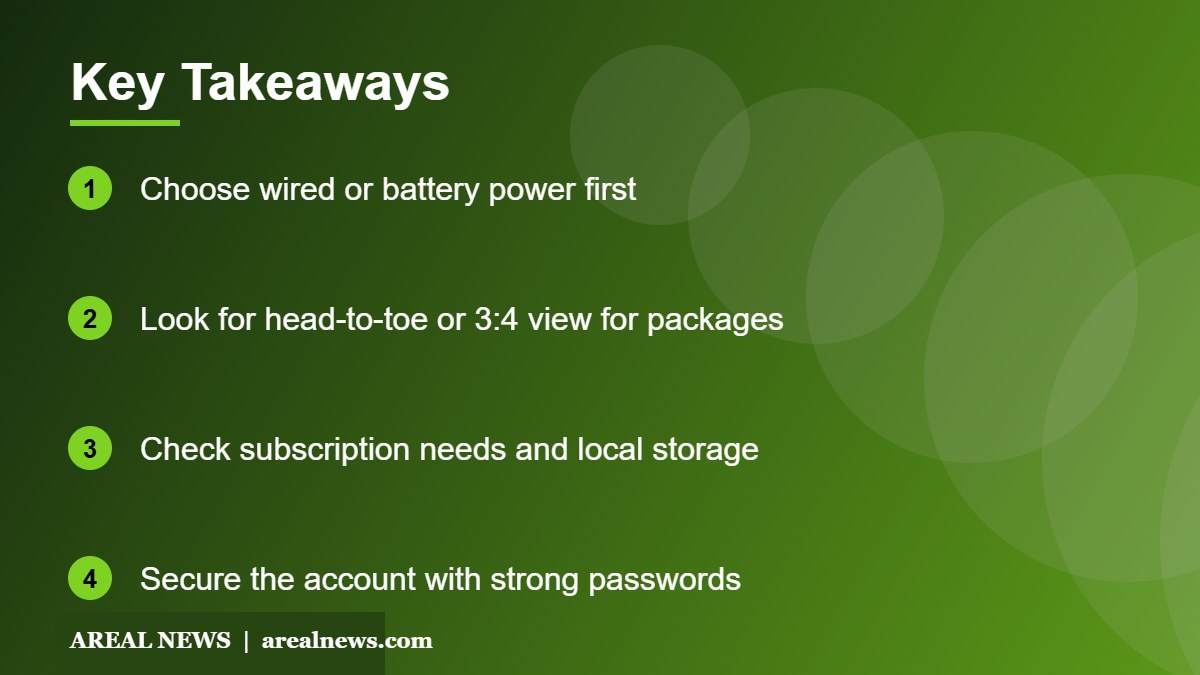
Wired doorbells connect to your existing doorbell wiring and transformer, never need charging and typically offer faster responses and continuous power. They are best for homeowners comfortable with basic wiring or with an electrician’s help.
Battery
Battery models mount with screws or adhesive and charge through a removable battery. They suit renters and homes without doorbell wiring, though you must recharge periodically.
Plug-in and hybrid
Some models can use batteries or wiring, giving flexibility if you change your mind later.
What to Look For
- Resolution and field of view: 1080p is a baseline, 2K is better, and a tall 3:4 or 1:1 view shows packages on the ground.
- Night vision: infrared or color night vision for after-dark clarity.
- Motion detection zones: reduce notifications from the street.
- Smart alerts: person, package and vehicle detection.
- Two-way talk and quick replies: convenient for deliveries.
- Storage: subscription cloud plans or local storage.
- Integrations: Alexa, Google Home, Apple Home and chimes.
Top Video Doorbells
Ring Video Doorbell: best ecosystem
Ring offers many versions at several price points, with wired and battery options and extensive accessories. Its app is polished, and video storage requires a Ring Protect plan for full features.
Google Nest Doorbell: best for Google Home
Nest provides a tall view for packages, smart detection and tight integration with Google Home, with some features reserved for subscribers.
Eufy Video Doorbell: best for no subscription
Eufy stores recordings locally on a home base, avoiding monthly fees while offering strong video quality and artificial intelligence features on-device.
Arlo Video Doorbell: best for sharp video and sirens
Arlo emphasizes video quality and offers built-in sirens and a wide view, with a subscription for cloud features.
Wyze Video Doorbell: best budget
Wyze brings capable video at a low price, with optional subscription plans and local storage options on some models.
Installation Tips
- Turn off power at the breaker before touching wiring.
- Check your transformer’s voltage against the doorbell’s requirements.
- Use the included angle mounts if your door is recessed.
- Confirm strong Wi-Fi at the door; add a mesh node if necessary, as discussed in best mesh Wi-Fi systems.
- Set motion zones and sensitivity after a few days of testing.
Getting Useful Alerts Without the Noise
A doorbell that buzzes every time a car passes quickly becomes annoying. Draw activity zones around your porch and walkway, lower the sensitivity if wind or trees trigger alerts, and enable person and package detection where available. Use scheduled quiet hours for nights and choose which family members receive notifications. After a week of tuning, most households settle on a setup that alerts them only when it matters.
Privacy and Etiquette
Doorbell cameras may capture neighbors and public areas. Aim your camera at your own property, be mindful of audio recording laws and review sharing options carefully. Some systems let you share clips with neighbors or police, so understand the settings before you enable them.
Keeping Your Doorbell Secure
Use a unique password from a password manager and turn on two-factor authentication. Update firmware, place the device on a secure network and review the list of people with access. Combine your doorbell with smart locks and security cameras for broader coverage.
Smart Buying and Safety Checklist
Smart home devices bring convenience, but they also bring accounts, apps and always-on connections. Choose brands that publish security updates, use strong unique passwords and two-factor authentication, and keep devices on a separate guest or IoT network where possible. Check subscription requirements before buying, since cloud video storage and advanced features often cost extra every month. Read the privacy policy to see where recordings are stored and who can access them.
Frequently Asked Questions
Do video doorbells need a subscription?
Many work live without one, but saving and reviewing recordings usually requires a plan unless the model uses local storage.
Can I install one as a renter?
Yes. Battery doorbells with adhesive or no-drill mounts are designed for renters. Ask your landlord first.
Will it work with my existing chime?
Many wired models work with mechanical chimes using adapters. Check compatibility before buying.
Final Verdict
Ring is the best all-around choice, Nest is great for Google households, Eufy avoids fees, Arlo offers premium video and Wyze keeps costs down. Choose the power type that fits your home and secure the account before you rely on it.
How We Research and Update This Guide
Every Areal News guide on smart home and security starts with the questions U.S. readers actually ask. We review official documentation, published specifications, independent test results where they exist and real-world user feedback, then compare products on the same criteria so recommendations are consistent. We explain our reasoning instead of simply ranking products, so you can adjust the advice to your own situation and budget.
Technology changes quickly. Prices, plans, features and availability can change after publication, so always confirm current details on the provider’s own website before you buy or sign up. We revisit our guides regularly and update them when something important changes. If you spot an error or an out-of-date recommendation, please tell us through our contact page and we will review it promptly.
Some of our articles contain affiliate links. If you purchase through one, we may earn a commission at no additional cost to you. Commissions never decide which products we recommend or how we rank them; our affiliate disclosure explains how we keep editorial decisions independent. This article is for general information and is not professional legal, financial or security advice.


