Few messages cause as much anxiety as a letter or email that begins, We are writing to inform you of a data security incident. Data breaches have become routine, and almost every American adult has had personal information exposed at some point. The good news is that a breach notice is not the end of the world. If you act quickly and methodically, you can reduce the risk of fraud and protect your accounts. This guide gives you a clear action plan, in priority order, for the first hour, the first week and the months that follow.
This article is general information, not legal advice. For related help, see our guides to identity theft protection services, password managers and two-factor authentication.
Step 1: Confirm the Breach Is Real
Scammers send fake breach notices to steal information. Do not click links in the message. Instead, go directly to the company’s official website or call a phone number from a statement or card. Search news from reputable sources to see whether the breach was reported. You can also check whether your email appears in known leaks using a reputable breach-checking service. Learn the signs of fake alerts in how to spot phishing scams.
Step 2: Find Out What Was Exposed
The risk depends on the data. Exposure of an email address and a password is serious for that account but fixable. Leaked Social Security numbers, birth dates and addresses create long-term identity theft risk. Payment card numbers can be replaced quickly. Medical and tax information requires extra monitoring. Read the notice carefully for the types of data involved and any services offered.
Step 3: Secure Your Accounts Immediately
- Change the password for the affected account to a long, unique one.
- Change it everywhere you reused it. A password manager makes this easier.
- Turn on two-factor authentication with an authenticator app or security key.
- Check account recovery options such as backup email addresses and phone numbers, and remove anything you do not recognize.
- Log out other sessions and review connected apps.
- Consider passkeys where available; see what is a passkey.
Step 4: Protect Your Money
- Review bank and credit card statements for suspicious charges.
- Turn on transaction alerts by text or app.
- If card numbers were exposed, ask your issuer for a replacement card.
- Report unauthorized transactions immediately; U.S. law gives credit card users strong fraud protections.
Step 5: Freeze Your Credit
If your Social Security number or other identifying details were exposed, freeze your credit at Equifax, Experian and TransUnion. It is free, it blocks most attempts to open new accounts in your name and you can lift or reinstate it when you apply for credit. A fraud alert is a lighter option that asks lenders to verify your identity. Also consider freezing your children’s credit if their information was exposed.
Step 6: Monitor Your Credit and Identity
Review your credit reports through the official federal site, AnnualCreditReport.com. Many breached companies offer free credit monitoring for a period, so accept it. If you want broader help, compare services in identity theft protection services compared. Request an IRS Identity Protection PIN if your tax data may be at risk.
Step 7: Watch for Follow-Up Scams
After a breach, criminals often send convincing messages that reference the incident. Expect fake refund offers, fake security alerts and calls pretending to be from the company or your bank. Never share verification codes. Contact organizations through official channels only.
Step 8: Secure Your Devices and Network
Run a malware scan with trusted software from our antivirus guide, update your operating system and apps, and use a VPN on public Wi-Fi from our VPN guide. Back up important files with services from best online backup services.
If You Become a Victim of Identity Theft
- Report it at the Federal Trade Commission’s IdentityTheft.gov site and follow the recovery plan.
- Place fraud alerts or freezes.
- Contact affected banks and lenders.
- File a police report if needed.
- Keep records of every call, letter and case number.
- Consider asking an attorney or a nonprofit consumer service for help in complex cases.
Long-Term Habits
- Use a unique password for every account.
- Delete accounts you no longer use.
- Share less personal data with websites and apps.
- Check your credit reports regularly.
- Keep your contact details updated so you receive breach notices.
Smart Buying and Safety Checklist
Tech headlines move fast, and early reports are sometimes incomplete or wrong. Look for confirmation from official announcements and multiple reputable outlets, read past the headline for details, and treat rumors and leaks as rumors. Consider how a new development affects you in practice: what it costs, what it replaces and what you would need to change. Waiting for independent reviews before spending money on a brand-new product is almost always a smart habit.
Frequently Asked Questions
How do I know if my data was in a breach?
Watch for official notices and use reputable breach-checking tools. Do not trust unsolicited messages.
Should I close my accounts?
Not necessarily. Securing the account is usually enough, unless you no longer use the service.
Can I sue?
Some breaches lead to class-action settlements. Check the notice for details and speak with an attorney if needed.
Bottom Line
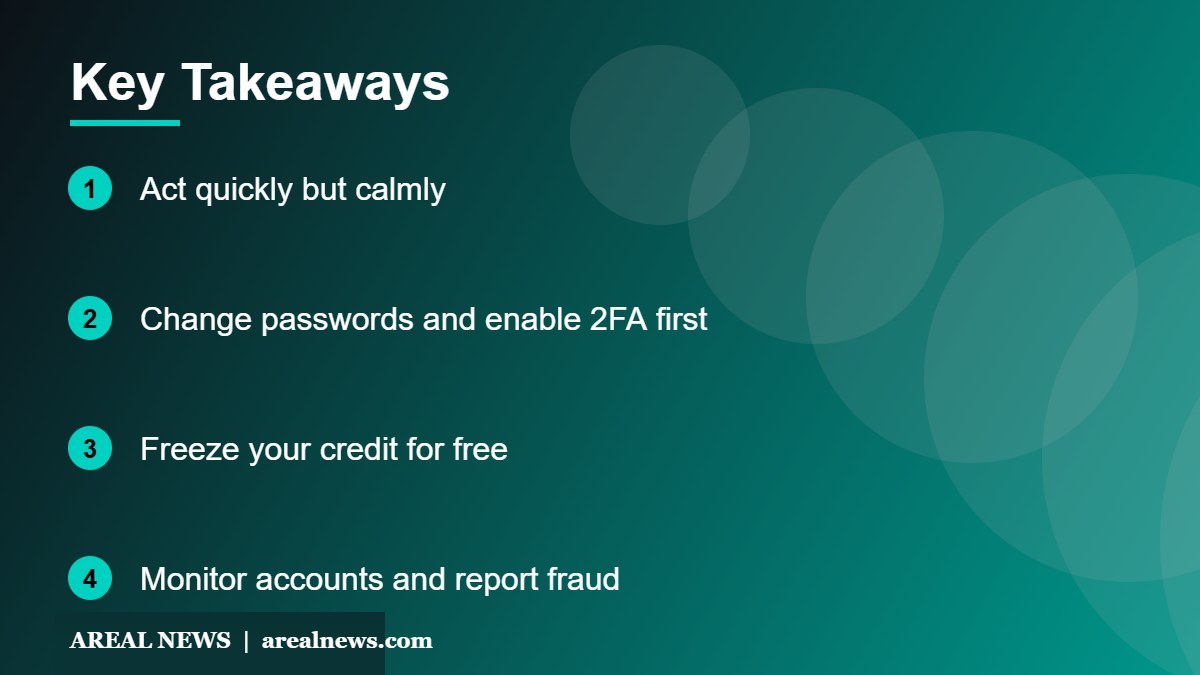
Change passwords, enable two-factor authentication, freeze your credit and monitor your accounts. These steps neutralize most risks and take less than an afternoon. Breaches are a fact of life, but with good habits you can keep them from turning into financial harm.
How We Research and Update This Guide
Every Areal News guide on technology starts with the questions U.S. readers actually ask. We review official documentation, published specifications, independent test results where they exist and real-world user feedback, then compare products on the same criteria so recommendations are consistent. We explain our reasoning instead of simply ranking products, so you can adjust the advice to your own situation and budget.
Technology changes quickly. Prices, plans, features and availability can change after publication, so always confirm current details on the provider’s own website before you buy or sign up. We revisit our guides regularly and update them when something important changes. If you spot an error or an out-of-date recommendation, please tell us through our contact page and we will review it promptly.
Some of our articles contain affiliate links. If you purchase through one, we may earn a commission at no additional cost to you. Commissions never decide which products we recommend or how we rank them; our affiliate disclosure explains how we keep editorial decisions independent. This article is for general information and is not professional legal, financial or security advice.