
If your Wi-Fi works in the living room but gives up in the bedroom, basement or backyard, a single router probably cannot cover your home. Mesh Wi-Fi systems solve that problem by placing several small units around the house that work together as one seamless network. You walk from room to room, and your phone or laptop connects to whichever node is strongest without any manual switching. This guide explains how mesh works, how it differs from range extenders and which systems are worth considering.
Disclosure: some links may earn us a commission; see our affiliate disclosure. Check current models and pricing before buying.
How Mesh Wi-Fi Works
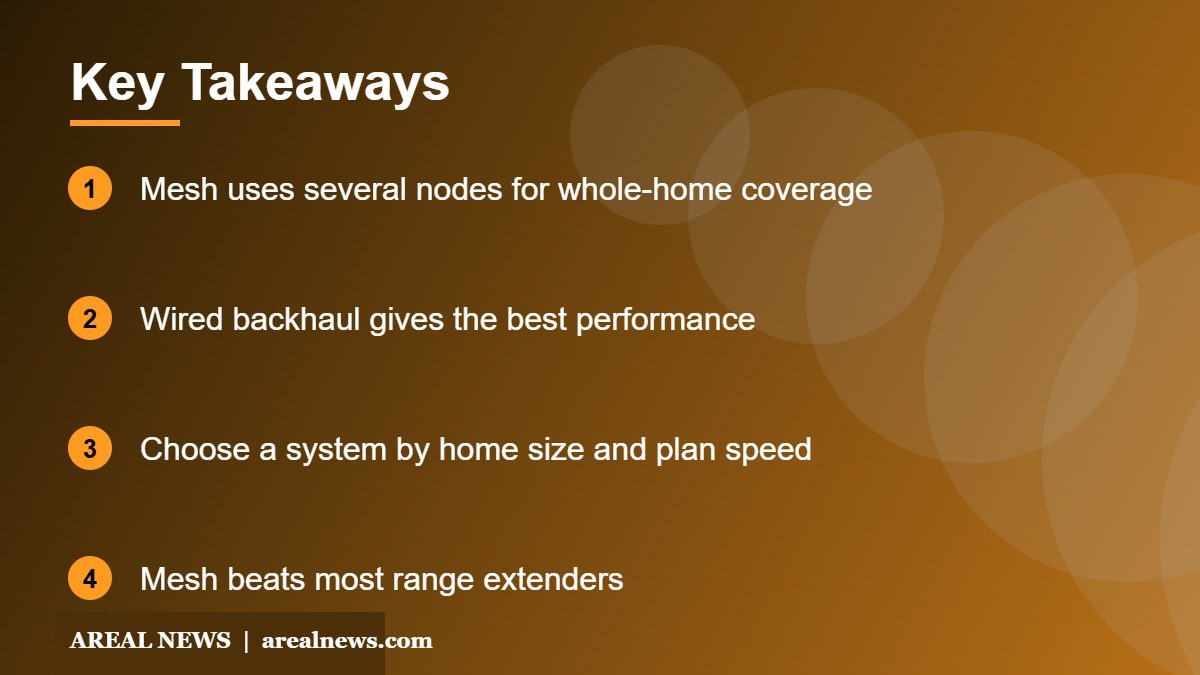
A mesh system consists of a main node that connects to your modem and satellite nodes placed around the home. The nodes communicate with each other, creating a single network name and handing devices off smoothly. Many systems include a smartphone app for setup, parental controls and diagnostics.
Mesh vs range extenders
Traditional extenders repeat the signal and often create a second network name, halving speed and causing devices to cling to a weak connection. Mesh nodes are designed to cooperate and typically deliver better speed and a smoother experience.
Wireless vs wired backhaul
Backhaul is the link between nodes. Wireless backhaul works well if nodes are placed within good range, but wired Ethernet backhaul between nodes is faster and more reliable. If your home has Ethernet wiring, use it.
Do You Need Mesh?
- Your home is larger than about 2,000 square feet or has several floors.
- Thick walls, brick or metal block signals.
- You have persistent dead zones even after moving your router.
- You have many smart devices and want a consistent experience.
In smaller homes or apartments, a good single router from our best Wi-Fi routers guide may be enough.
Top Mesh Wi-Fi Systems
eero: best for simplicity
eero, owned by Amazon, is known for easy setup, reliable performance and automatic updates. Its app is clean, and it integrates with Alexa and other smart home tools. Some advanced features require a subscription.
TP-Link Deco: best value
The Deco line offers solid performance at attractive prices across Wi-Fi 6, 6E and 7 models, with a friendly app and flexible placement.
ASUS ZenWiFi: best for advanced users
ZenWiFi delivers strong performance with deep settings, security features and optional AiMesh compatibility with other ASUS routers.
Netgear Orbi: best for large homes
Orbi systems use dedicated backhaul bands for strong performance in big homes, though they tend to cost more.
Google Nest Wifi Pro: best for Google households
Nest Wifi Pro integrates with the Google Home ecosystem and supports newer Wi-Fi standards, suiting households already using Google devices.
How Many Nodes Do You Need?
A two-pack typically covers up to roughly 3,000 to 4,000 square feet, and three-packs handle larger or more complex layouts. Placement matters more than the number: nodes should be within a good signal of each other, rather than at the edge of coverage.
Setup and Placement Tips
- Connect the main node to your modem and set it up with the app.
- Place satellites about halfway to dead zones, not inside them.
- Keep nodes in open areas, off the floor and away from appliances.
- Use Ethernet backhaul where possible.
- Name your network clearly and use WPA3 or WPA2 security.
- Update firmware and enable guest networks for visitors.
Security and Privacy
Mesh systems often include security features such as malware blocking and parental controls, sometimes behind a subscription. Secure your admin account with a strong password from a password manager and consider router-level privacy through a VPN as explained in our VPN guide.
Troubleshooting
If speeds remain slow, test with a wired device first and read how to speed up slow Wi-Fi. Slow speeds can also come from your plan, so compare options in best internet providers in the U.S..
Smart Buying and Safety Checklist
Internet performance depends on more than the advertised speed. Check whether the plan has data caps, equipment rental fees, promotional pricing that expires and contract or early-termination terms. Test your real speeds at different times of day using a wired connection, place your router in a central, open location and keep its firmware updated. If you work from home or stream on many devices, prioritize reliability and low latency over a headline download number.
Frequently Asked Questions
Will mesh make my internet faster?
It improves coverage and consistency, but cannot exceed your plan’s speed.
Can I mix brands?
Generally no, though some systems like ASUS AiMesh allow compatible devices to join.
Is mesh worth it for an apartment?
Usually not, unless the layout is unusual or signals are blocked by thick walls.
Final Verdict
For most homes, eero and TP-Link Deco are easy, reliable choices. ASUS suits tinkerers and Orbi suits large homes. Place nodes thoughtfully, use wired backhaul if you can and enjoy Wi-Fi that works everywhere.
How We Research and Update This Guide
Every Areal News guide on home internet and networking starts with the questions U.S. readers actually ask. We review official documentation, published specifications, independent test results where they exist and real-world user feedback, then compare products on the same criteria so recommendations are consistent. We explain our reasoning instead of simply ranking products, so you can adjust the advice to your own situation and budget.
Technology changes quickly. Prices, plans, features and availability can change after publication, so always confirm current details on the provider’s own website before you buy or sign up. We revisit our guides regularly and update them when something important changes. If you spot an error or an out-of-date recommendation, please tell us through our contact page and we will review it promptly.
Some of our articles contain affiliate links. If you purchase through one, we may earn a commission at no additional cost to you. Commissions never decide which products we recommend or how we rank them; our affiliate disclosure explains how we keep editorial decisions independent. This article is for general information and is not professional legal, financial or security advice.


