
Choosing a laptop for school is a big decision, because it will be carried to class, used late at night for assignments and expected to last for years. The best student laptop is not necessarily the fastest or the most expensive, but the one that balances weight, battery life, durability and price while handling the software your courses require. This guide explains what to look for and recommends laptop types and models for different students and budgets, from high school to graduate school.
Disclosure: some links may earn us a commission; read our affiliate disclosure. Specifications and prices change often, so verify current details.
Key Features for Student Laptops
Battery life
Look for laptops that last a full school day, ideally eight to ten hours or more of real-world use. Outlets in lecture halls are scarce.
Weight and portability
A laptop that weighs under three-and-a-half pounds is far easier to carry across campus. Screen sizes of 13 to 14 inches balance portability and usability.
Processor and memory
Recent mid-range processors handle everyday tasks. For most college students, 16 GB of memory ensures smooth multitasking with dozens of browser tabs and apps, while 8 GB can be enough for basic use on efficient systems.
Storage
A solid-state drive of at least 256 GB is a minimum, with 512 GB giving more room. Use cloud storage for backups; see our cloud storage guide.
Keyboard, trackpad and screen
Students type a lot, so comfort matters. A bright, sharp display and a reliable trackpad make long sessions easier.
Best Laptop Types by Student Need
Best overall: MacBook Air
Apple’s MacBook Air offers excellent battery life, a lightweight design, fast performance and long software support. It is a favorite on campuses and holds resale value. Apple offers education discounts for students.
Best Windows ultrabook: Dell XPS, HP Spectre or Lenovo Yoga
Premium Windows ultrabooks provide bright displays, great keyboards and strong performance in thin bodies. Some convert to tablets, which is useful for note-taking with a stylus.
Best value Windows laptop: Acer Swift, ASUS Zenbook or HP Pavilion
Mid-priced Windows laptops give a good mix of speed and battery life without the premium price. Look for sales during back-to-school season.
Best budget: Chromebooks
Chromebooks are inexpensive, simple and secure, ideal for writing, research and web-based coursework. They are not suited to specialized desktop software, so check your program’s requirements.
Best for engineering and creative majors
Students who run CAD, video editing or programming tools may need stronger processors, dedicated graphics and more memory. See best gaming laptops under $1,000, which can double as powerful study machines, and best business laptops for durable options.
Mac or Windows?
Both work well for most degrees. Mac offers long battery life and a smooth ecosystem with iPhone and iPad, while Windows provides more choice, price ranges and compatibility with certain engineering and business software. See our full comparison, MacBook vs Windows laptop.
Smart Shopping Tips
- Check your school’s recommendations and software requirements.
- Use student discounts from Apple, Microsoft, Dell, HP and Lenovo.
- Compare prices during back-to-school and holiday sales.
- Consider certified refurbished models with warranties.
- Add accidental damage protection if you are prone to drops, but compare the cost with your renter’s or homeowner’s insurance.
- Buy a sleeve and a spare charger.
Specs to Skip Paying For
Most students do not need a top-tier graphics card, a 4K display or 32 GB of memory. Spend on a comfortable keyboard, a good screen, enough memory and dependable battery life instead. Extended warranties are optional if the manufacturer already offers a solid one-year plan.
Staying Safe and Organized
Student devices are prime targets for scams and theft. Use a strong password, a password manager from our password manager guide, enable device tracking and keep antivirus protection updated using our antivirus guide if you use Windows. Use a VPN on campus Wi-Fi; see best VPNs. AI tools can help with studying, but follow school policies, as discussed in our AI productivity guide.
Smart Buying and Safety Checklist
Specifications only tell part of the story. Look at real-world reviews of battery life, screen brightness, keyboard comfort, fan noise and build quality, and compare warranty terms and repair options. Prefer 16 GB of memory and a fast SSD for daily work, and check that the ports match the devices you already own. Buy from retailers with solid return policies, and test the machine thoroughly during the return window so you can catch problems early.
Frequently Asked Questions
How much should I spend?
Many students find a good machine in the mid-range, with budget models adequate for basic needs and premium models best for demanding programs.
Is a tablet enough?
For light use, yes, with a keyboard. Most degrees benefit from a full laptop.
How long should a laptop last?
Four years or more with care, so buy for the whole degree.
Final Verdict
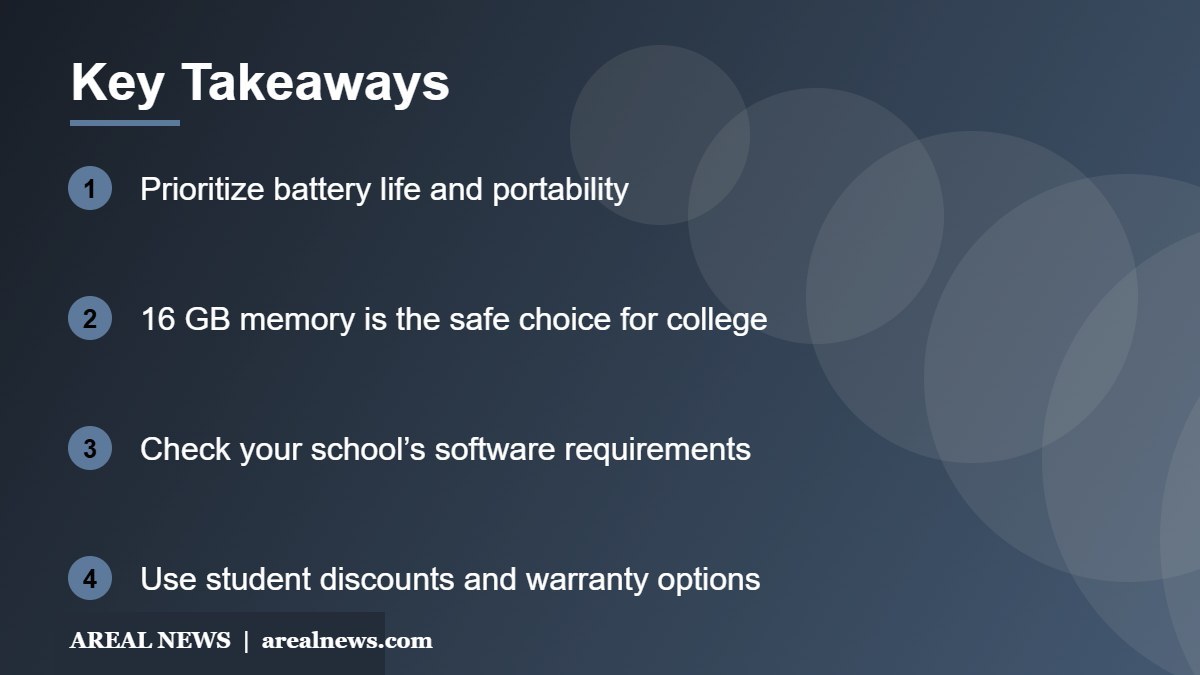
MacBook Air is our top pick for most students, a Windows ultrabook is great for flexibility, and a Chromebook suits tight budgets. Prioritize battery, weight and memory, and use discounts to stretch your budget.
How We Research and Update This Guide
Every Areal News guide on computer hardware starts with the questions U.S. readers actually ask. We review official documentation, published specifications, independent test results where they exist and real-world user feedback, then compare products on the same criteria so recommendations are consistent. We explain our reasoning instead of simply ranking products, so you can adjust the advice to your own situation and budget.
Technology changes quickly. Prices, plans, features and availability can change after publication, so always confirm current details on the provider’s own website before you buy or sign up. We revisit our guides regularly and update them when something important changes. If you spot an error or an out-of-date recommendation, please tell us through our contact page and we will review it promptly.
Some of our articles contain affiliate links. If you purchase through one, we may earn a commission at no additional cost to you. Commissions never decide which products we recommend or how we rank them; our affiliate disclosure explains how we keep editorial decisions independent. This article is for general information and is not professional legal, financial or security advice.


