
Most professionals spend a surprising share of the week on tasks that feel repetitive: writing routine emails, hunting for information, formatting documents, summarizing meetings and updating spreadsheets. AI assistants are particularly good at these chores. Used well, they can give you back several hours every week. Used carelessly, they can create embarrassing mistakes or expose sensitive data. This guide gives you fifteen practical workflows and the guardrails that keep them safe.
The Golden Rules of AI at Work
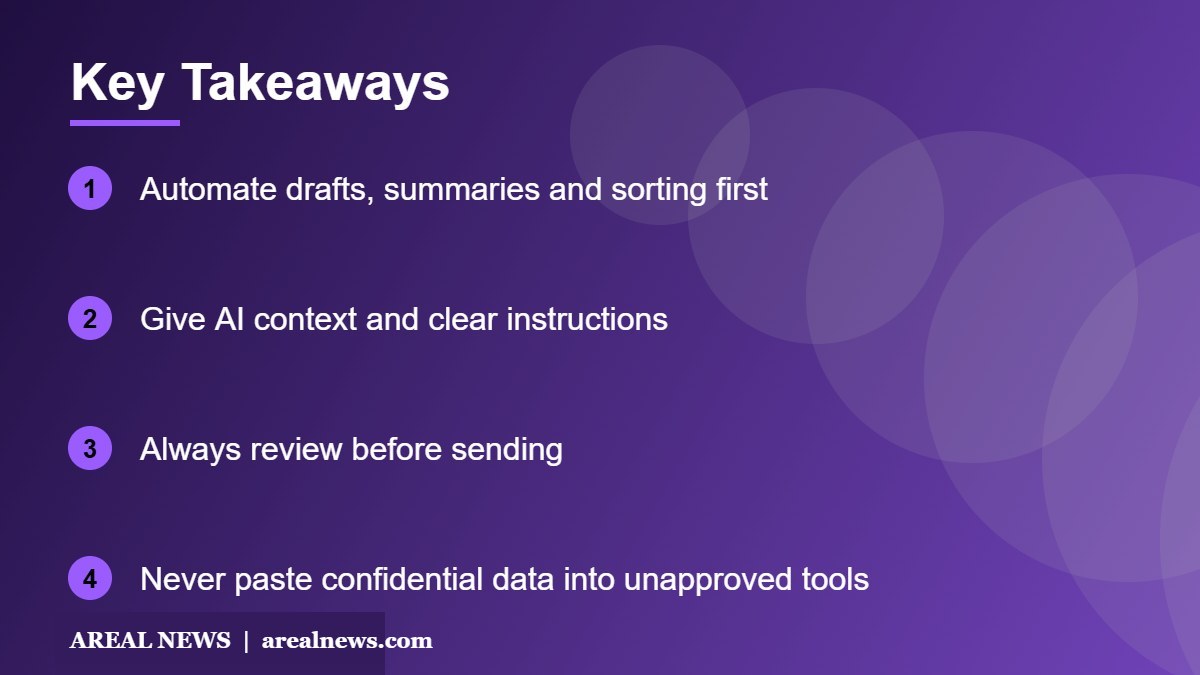
- Check your company policy. Some employers restrict which tools you may use.
- Protect confidential data. Do not paste customer details, financials or trade secrets into unapproved tools.
- Provide context. Tell the assistant your role, audience, tone and goal.
- Review everything. You remain responsible for what you send.
- Keep learning. Save prompts that work and build a personal library.
15 Workflows to Try
1. Draft and polish emails
Give the assistant your key points and ask for a friendly, concise email. Edit to add your personal touch.
2. Summarize long email threads
Ask for decisions made, open questions and next steps so you can catch up in a minute.
3. Turn meeting notes into action items
Paste notes or use a transcription tool to create a list of tasks, owners and deadlines.
4. Prepare for meetings
Ask for an agenda, likely questions and talking points based on the topic and attendees.
5. Research quickly
Use assistants to explain unfamiliar topics, list questions to investigate and compare options, then verify key facts with primary sources.
6. Summarize reports and PDFs
Upload a long document and request an executive summary, key numbers and risks. Claude and ChatGPT handle this well; see our comparison.
7. Create presentations
Ask for an outline and slide text, then design in your preferred tool.
8. Clean and analyze spreadsheet data
Describe the problem in plain language and ask for formulas, pivot-table steps or a quick analysis. Test the formulas on sample data.
9. Write job descriptions and policies
Start from a template prompt and adapt to your company and local law.
10. Brainstorm ideas
Ask for ten options in different styles, then combine the best parts.
11. Translate and adjust tone
Rewrite messages to be more formal, friendly or concise, or translate for international colleagues, and have a native speaker check important text.
12. Draft social posts and marketing copy
See our reviews of AI writing tools for suggestions.
13. Learn new skills
Ask for a study plan, practice questions or simple explanations of complex tools.
14. Write or debug simple scripts
Even non-programmers can request small automations, with careful testing before using them on real data.
15. Create checklists and standard operating procedures
Describe a process and ask for step-by-step instructions that others can follow.
How to Write Better Prompts
Use this structure: role, task, context, format and constraints. For example: you are an experienced customer-support manager; draft a reply to a customer whose order arrived late; keep it empathetic and under 120 words; offer a discount code placeholder. Follow up with adjustments like make it warmer or remove jargon. The more specific you are, the less editing you need.
A Sample Weekly Routine
On Monday, use AI to turn your goals into a prioritized task list. Each morning, summarize overnight emails and draft replies to the routine ones. After meetings, convert notes into action items and share them the same day. On Friday, ask for a draft of your weekly status report from your notes, then edit it for accuracy. This routine takes little effort and can free a surprising amount of time.
Common Mistakes
- Trusting numbers or citations without checking.
- Pasting sensitive data into public tools.
- Sending unedited drafts that sound generic.
- Using AI for decisions that need human judgment, such as hiring or discipline.
- Ignoring accessibility and bias in generated content.
Measuring the Time You Save
Track your time on a few tasks for two weeks before and after adopting AI. If drafting weekly reports drops from an hour to twenty minutes, you have clear evidence of value to share with your manager. Teams can build on this with the platforms in best AI tools for small business, and project tools in best project management software include AI features for task creation and summaries.
Staying Secure While Using AI
AI accounts often hold sensitive conversations. Protect them with unique passwords and two-factor authentication. See our guides to password managers and two-factor authentication. Beware of fake AI apps and browser extensions that steal data, and learn the signs in how to spot phishing scams.
Frequently Asked Questions
Will my boss mind if I use AI?
Policies vary. Ask, and be transparent about how you use it.
Which AI tool should I start with?
Begin with a mainstream assistant such as ChatGPT, Claude or Gemini, whichever is approved at your workplace.
Can AI make me less skilled?
Only if you stop thinking. Use it to accelerate routine work while you focus on judgment, relationships and strategy.
Final Thoughts
Pick two or three workflows from this list, try them this week and measure the results. Small time savings add up quickly, and the habits you build now will keep paying off as AI tools keep improving.
How We Research and Update This Guide
Every Areal News guide on artificial intelligence starts with the questions U.S. readers actually ask. We review official documentation, published specifications, independent test results where they exist and real-world user feedback, then compare products on the same criteria so recommendations are consistent. We explain our reasoning instead of simply ranking products, so you can adjust the advice to your own situation and budget.
Technology changes quickly. Prices, plans, features and availability can change after publication, so always confirm current details on the provider’s own website before you buy or sign up. We revisit our guides regularly and update them when something important changes. If you spot an error or an out-of-date recommendation, please tell us through our contact page and we will review it promptly.
Some of our articles contain affiliate links. If you purchase through one, we may earn a commission at no additional cost to you. Commissions never decide which products we recommend or how we rank them; our affiliate disclosure explains how we keep editorial decisions independent. This article is for general information and is not professional legal, financial or security advice.


