
A business laptop is a tool you rely on all day: for video calls, spreadsheets, presentations, travel and sensitive client files. Consumer laptops can do these jobs, but business-class machines add features that matter in professional settings: sturdier construction, better keyboards, stronger security, manageability tools and longer warranties. Whether you are a freelancer choosing a single machine or an owner equipping a small team, this guide explains what to look for and which product lines are worth considering.
Disclosure: some links may earn us commissions; read our affiliate disclosure. Product lines change annually, so check current models and reviews before you buy.
What Makes a Laptop Business-Class?
- Durability: reinforced hinges and chassis, spill-resistant keyboards and military-style durability testing.
- Security: fingerprint readers, IR cameras for face login, TPM chips, privacy shutters and BIOS-level protections.
- Manageability: support for enterprise tools that help IT deploy updates and policies.
- Warranty and support: onsite repair, next-business-day options and longer coverage.
- Ports and docking: USB-C or Thunderbolt, HDMI and sometimes Ethernet and a SIM slot.
Specs That Matter
Processor and memory
Recent mid-range or high-end processors from Intel, AMD or Apple handle office work easily. Choose 16 GB of memory as a baseline, and 32 GB if you work with large datasets, virtual machines or creative software.
Storage
A fast solid-state drive, 512 GB or more, keeps the system responsive. Back up to the cloud and an external drive; see best online backup services.
Display and webcam
For video-call-heavy work, look for a 1080p webcam, good microphones and a bright screen with an anti-glare finish.
Battery life
Aim for at least ten hours of real-world use if you travel or work from cafés.
Top Business Laptop Lines
Lenovo ThinkPad: best keyboards and durability
ThinkPads are legendary for comfortable keyboards, rugged builds and strong security. The X1 Carbon series is lightweight and premium, while the T and E series balance price and features.
Dell Latitude and XPS: best for manageability and design
Dell’s Latitude line targets businesses with robust support and tools for IT teams, while XPS models offer more premium designs for professionals who want style.
HP EliteBook and Dragonfly: best for security features
HP’s business laptops include enterprise-grade security features, privacy tools and slim designs. Dragonfly models are especially lightweight.
MacBook Pro and MacBook Air: best for battery and creative work
Apple laptops offer excellent performance, battery life and displays. They integrate well with iPhones and are popular among creative professionals, though some enterprise software is Windows-only. Compare in MacBook vs Windows laptop.
Microsoft Surface Laptop: best for Microsoft 365 users
Surface laptops combine clean design with tight integration into Windows and Microsoft 365, and some models convert for tablet-style use.
Buying for a Small Team
- Standardize. Using one or two models simplifies support and spare parts.
- Plan the lifecycle. Replace laptops every three to five years.
- Compare warranties. Onsite service can save days of downtime.
- Use business purchasing programs. Many brands offer volume discounts and financing.
- Set up security policies. Enable disk encryption, automatic updates and screen locks.
Security Essentials for Work Laptops
Enable full-disk encryption, use strong passwords and two-factor authentication, install trusted endpoint protection and keep software updated. See our antivirus guide, password managers and two-factor guide. When working remotely, use a VPN as explained in best VPN services and be wary of phishing scams.
Total Cost of Ownership
The sticker price is only part of the cost. Consider repair time, how long the battery lasts after two years, accidental damage coverage and the resale value of the machine. A slightly more expensive laptop with onsite service and a durable build often costs less over four years than a cheap one that needs frequent repairs and leaves you without a computer for days.
Software and Accessories Worth Buying
Pair your laptop with project and accounting tools from project management software and accounting software, a good external monitor, a docking station and a secure carrying case. A quality headset improves video calls more than most upgrades.
Smart Buying and Safety Checklist
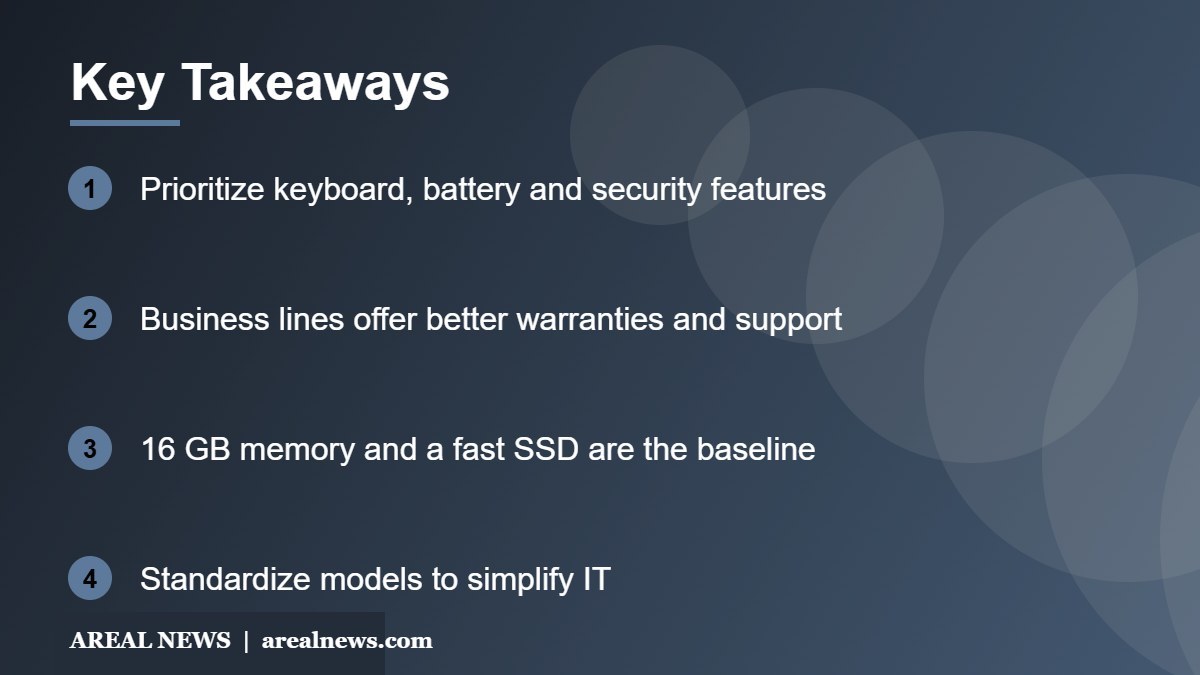
Specifications only tell part of the story. Look at real-world reviews of battery life, screen brightness, keyboard comfort, fan noise and build quality, and compare warranty terms and repair options. Prefer 16 GB of memory and a fast SSD for daily work, and check that the ports match the devices you already own. Buy from retailers with solid return policies, and test the machine thoroughly during the return window so you can catch problems early.
Frequently Asked Questions
Is a business laptop worth the extra cost?
Often yes, because durability, support and security reduce downtime and risk.
Can I use a gaming laptop for work?
You can, but they are heavier with shorter battery life.
Should I buy refurbished?
Certified refurbished business laptops can offer great value, especially with warranties.
Final Verdict
ThinkPads are our top pick for keyboards and durability, Dell Latitude and HP EliteBook excel for IT management, MacBooks suit those in the Apple ecosystem and Surface is ideal for Microsoft-centric teams. Choose 16 GB of memory, strong security features and a robust warranty.
How We Research and Update This Guide
Every Areal News guide on computer hardware starts with the questions U.S. readers actually ask. We review official documentation, published specifications, independent test results where they exist and real-world user feedback, then compare products on the same criteria so recommendations are consistent. We explain our reasoning instead of simply ranking products, so you can adjust the advice to your own situation and budget.
Technology changes quickly. Prices, plans, features and availability can change after publication, so always confirm current details on the provider’s own website before you buy or sign up. We revisit our guides regularly and update them when something important changes. If you spot an error or an out-of-date recommendation, please tell us through our contact page and we will review it promptly.
Some of our articles contain affiliate links. If you purchase through one, we may earn a commission at no additional cost to you. Commissions never decide which products we recommend or how we rank them; our affiliate disclosure explains how we keep editorial decisions independent. This article is for general information and is not professional legal, financial or security advice.


