
Choosing an internet provider in the United States is different from choosing most products, because your options depend almost entirely on your address. A neighbor across town might have three fiber companies competing for their business while you have one cable provider and a slow DSL line. The right plan can mean smooth video calls and effortless streaming; the wrong one means buffering, surprise fees and endless support calls. This guide explains the main connection types, what to compare and how to find the best option where you live.
Disclosure: some links may earn us commissions; read our affiliate disclosure. Availability and pricing vary by location and change often, so confirm details at your address.
Types of Home Internet
Fiber
Fiber-optic connections transmit data as light through glass cables, delivering very fast, symmetrical speeds, meaning uploads are as fast as downloads, with low latency and excellent reliability. Providers include AT&T Fiber, Verizon Fios, Google Fiber, Frontier, and regional companies. Fiber is the gold standard but is not available everywhere.
Cable
Cable internet uses coaxial lines and is widely available through providers such as Xfinity, Spectrum and Cox. Download speeds are high, but upload speeds are usually much lower, and performance can slow during peak neighborhood use.
5G and 4G LTE home internet
T-Mobile, Verizon and AT&T offer wireless home internet using cellular networks. Setup is easy and plans are simple, but speeds vary with signal strength and network congestion. Read our comparison of 5G home internet vs cable vs fiber.
Satellite
Starlink and Viasat serve rural areas where wired options are limited. Starlink’s low-orbit satellites offer far lower latency than older satellite services, though costs can be higher and performance can vary.
DSL
DSL runs over phone lines and is typically the slowest option, though it may be the only wired choice in some rural areas.
What to Compare
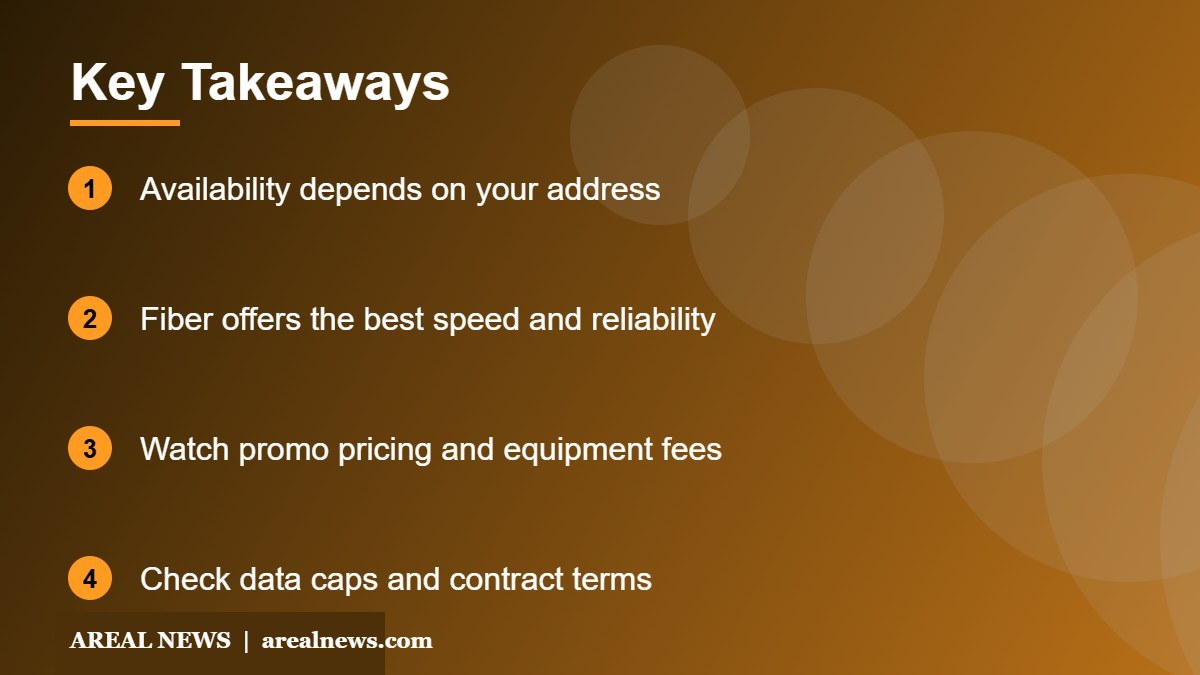
- Speed: look at both download and upload. Remote workers and streamers benefit from higher upload speeds.
- Price after promotions: introductory rates often rise after twelve or twenty-four months.
- Equipment fees: renting a modem or router can add a monthly charge; buying your own may save money.
- Data caps: some cable providers limit monthly data unless you pay extra.
- Contracts and fees: check early termination fees and installation costs.
- Customer service: reliability and support quality vary widely by region.
How Much Speed Do You Need?
For one or two people who browse and stream, 100 to 300 Mbps is typically plenty. A family with several streamers, gamers and remote workers may prefer 500 Mbps to 1 Gbps. Faster plans help when many devices are active at once, but a gigabit plan will not fix a weak Wi-Fi setup. See our advice on routers and mesh Wi-Fi systems.
How to Find Providers at Your Address
- Search your address on provider websites and on the Federal Communications Commission’s national broadband map.
- Ask neighbors what they use and how reliable it is.
- Compare the plans available, noting the price after the promotional period.
- Ask for low-income programs if eligible, such as provider discounts or federal programs where available.
- Call and ask about current deals, and negotiate if you already have service.
Tips for Saving Money
- Buy your own modem and router if the provider allows it.
- Avoid bundling services you do not use.
- Set a reminder when the promotional price ends and call to renegotiate.
- Consider a lower speed tier if you rarely use the extra bandwidth.
- Check for autopay and paperless discounts.
Security and Privacy at Home
Your internet provider can see which sites you visit by default. A VPN can limit that, as explained in our best VPN guide. Change your router’s default password, keep firmware updated and use WPA3 encryption if available.
If Your Internet Feels Slow
Before upgrading, test with a wired connection to see whether the problem is your plan or your Wi-Fi. Our guide on how to speed up slow Wi-Fi covers fixes that cost nothing.
Smart Buying and Safety Checklist
Internet performance depends on more than the advertised speed. Check whether the plan has data caps, equipment rental fees, promotional pricing that expires and contract or early-termination terms. Test your real speeds at different times of day using a wired connection, place your router in a central, open location and keep its firmware updated. If you work from home or stream on many devices, prioritize reliability and low latency over a headline download number.
Frequently Asked Questions
Is fiber always the best choice?
Usually, because of speed and reliability, but check price and availability. Good cable can be fine for many households.
Is 5G home internet reliable?
It can be, especially where signals are strong, but performance varies by location and time of day.
Can I switch providers anytime?
Often yes if there is no contract. Check early termination fees first.
Final Thoughts
Choose fiber if you can get it, strong cable or 5G if you cannot, and satellite when wired options are missing. Compare real post-promotion prices, read the fine print and test your service in the first weeks so you can cancel if needed.
How We Research and Update This Guide
Every Areal News guide on home internet and networking starts with the questions U.S. readers actually ask. We review official documentation, published specifications, independent test results where they exist and real-world user feedback, then compare products on the same criteria so recommendations are consistent. We explain our reasoning instead of simply ranking products, so you can adjust the advice to your own situation and budget.
Technology changes quickly. Prices, plans, features and availability can change after publication, so always confirm current details on the provider’s own website before you buy or sign up. We revisit our guides regularly and update them when something important changes. If you spot an error or an out-of-date recommendation, please tell us through our contact page and we will review it promptly.
Some of our articles contain affiliate links. If you purchase through one, we may earn a commission at no additional cost to you. Commissions never decide which products we recommend or how we rank them; our affiliate disclosure explains how we keep editorial decisions independent. This article is for general information and is not professional legal, financial or security advice.


