
Your router is the heart of your home network, and it often determines whether your internet feels fast or frustrating. Many households still use the free device rented from their internet provider, which may be old and underpowered. Upgrading to a modern router can improve speed, extend coverage and strengthen security, especially if you have dozens of connected devices. This guide explains the technology in plain English, then recommends the types and models of routers that fit different homes and budgets.
Disclosure: some links may be affiliate links; see our affiliate disclosure. Model availability and pricing change frequently, so check current reviews before buying.
Understanding Wi-Fi Standards
Wi-Fi 5 (802.11ac)
Older but still functional for modest needs. If you are shopping new, you will usually do better with a newer standard.
Wi-Fi 6 (802.11ax)
Better at handling many devices at once and more efficient for battery life. It is the sweet spot for price and performance for most homes.
Wi-Fi 6E
Adds the 6 GHz band, which offers less interference and faster speeds at close range, ideal for apartments crowded with competing networks.
Wi-Fi 7 (802.11be)
The newest standard adds wider channels and multi-link operation for higher speeds and lower latency. It is worth considering if you have a fast plan and compatible devices, though prices are higher. Learn more in what is Wi-Fi 7.
What to Look For
- Match your internet plan: a router cannot make your connection faster than your plan, but a weak router can slow it down.
- Coverage: large or multi-story homes may need mesh. See best mesh Wi-Fi systems.
- Ports: look for multi-gigabit ports if you have a fast plan or a home server.
- Security features: WPA3, automatic updates, guest networks and parental controls.
- Ease of setup: a good app saves time.
- VPN support: useful if you want router-level protection. See our VPN guide.
Top Router Picks by Category
Best overall: a quality Wi-Fi 6E or Wi-Fi 7 router from TP-Link, ASUS or Netgear
Brands such as ASUS, TP-Link and Netgear offer routers with strong performance, regular firmware updates and flexible settings. ASUS routers are loved by enthusiasts for their features, TP-Link provides strong value, and Netgear offers polished apps and wide availability.
Best budget: Wi-Fi 6 routers under a modest price
For apartments and smaller homes with plans up to a few hundred megabits, an affordable Wi-Fi 6 router from TP-Link or similar brands is more than enough.
Best for gamers: low-latency routers with quality-of-service tools
Gaming routers prioritize traffic and offer wired multi-gig ports. Real gains come from a wired connection and a good internet plan rather than flashy antennas.
Best for large homes: mesh systems
Eero, Google Nest Wifi, TP-Link Deco and ASUS ZenWiFi provide whole-home coverage with several nodes, usually easier to manage than one big router.
Placement and Setup Tips
- Place the router in a central, open location, off the floor and away from metal and microwaves.
- Orient antennas vertically if adjustable.
- Use 5 GHz or 6 GHz for speed and 2.4 GHz for range and older devices.
- Connect fixed devices like desktops and TVs with Ethernet cables.
- Change the default admin password and network name.
- Turn on automatic firmware updates.
Should You Rent or Buy?
Provider rental fees can add up over months. Buying your own router often pays for itself within a year or two. Confirm compatibility with your provider if you also need a separate modem. See our internet provider guide for more on equipment and fees.
Fixing Slow Wi-Fi Before You Buy
If speeds are poor, test near the router and on a wired connection. Sometimes the issue is placement or interference rather than hardware. Follow the steps in how to speed up slow Wi-Fi before spending money.
Smart Buying and Safety Checklist
Internet performance depends on more than the advertised speed. Check whether the plan has data caps, equipment rental fees, promotional pricing that expires and contract or early-termination terms. Test your real speeds at different times of day using a wired connection, place your router in a central, open location and keep its firmware updated. If you work from home or stream on many devices, prioritize reliability and low latency over a headline download number.
Frequently Asked Questions
How often should I replace my router?
Every four to six years, or sooner if it stops receiving security updates.
Do I need Wi-Fi 7?
Not necessarily. Wi-Fi 6 or 6E satisfies most homes. Consider Wi-Fi 7 for future proofing and very fast plans.
Is a more expensive router more secure?
Not automatically. Look for brands with regular updates and good security features.
Final Verdict
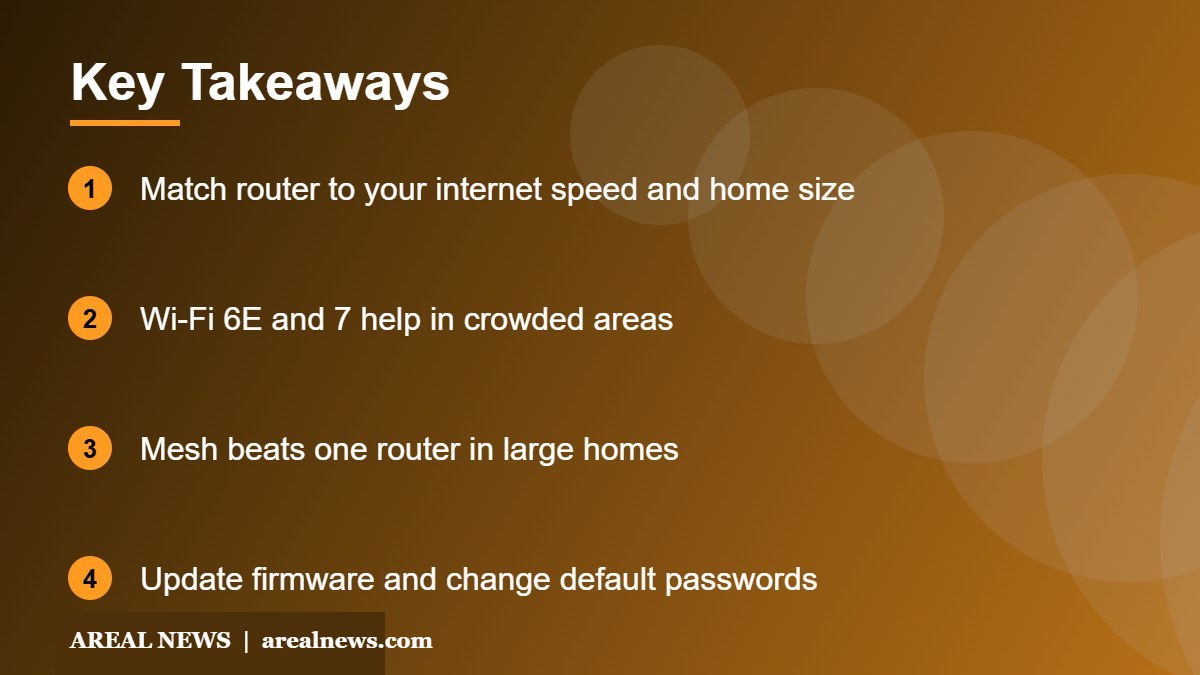
For most homes, a good Wi-Fi 6 or 6E router offers the best value, mesh covers large spaces and Wi-Fi 7 suits those with top-tier plans. Place it well, update it regularly and secure it properly for the best experience.
How We Research and Update This Guide
Every Areal News guide on home internet and networking starts with the questions U.S. readers actually ask. We review official documentation, published specifications, independent test results where they exist and real-world user feedback, then compare products on the same criteria so recommendations are consistent. We explain our reasoning instead of simply ranking products, so you can adjust the advice to your own situation and budget.
Technology changes quickly. Prices, plans, features and availability can change after publication, so always confirm current details on the provider’s own website before you buy or sign up. We revisit our guides regularly and update them when something important changes. If you spot an error or an out-of-date recommendation, please tell us through our contact page and we will review it promptly.
Some of our articles contain affiliate links. If you purchase through one, we may earn a commission at no additional cost to you. Commissions never decide which products we recommend or how we rank them; our affiliate disclosure explains how we keep editorial decisions independent. This article is for general information and is not professional legal, financial or security advice.


