Walk into an electronics store and you will see laptops branded as AI PCs. The label appears on boxes from Microsoft, Intel, AMD, Qualcomm and laptop makers, promising smarter features and better efficiency. Behind the marketing is a real hardware change: new chips include a dedicated neural processing unit, or NPU, designed to run artificial intelligence tasks locally. But what does that mean for everyday users, and should an AI badge change what you buy? This explainer cuts through the hype.
Disclosure: some links may earn us commissions; see our affiliate disclosure. Features and software support change quickly, so verify details with manufacturers and recent reviews.
What Is an AI PC?
An AI PC is a computer with hardware that accelerates machine-learning workloads. Traditional computers rely on the CPU for general tasks and the GPU for graphics and parallel computation. An NPU is a third processor specialized for AI inference, the process of running an already trained model. It does this efficiently, using less power than a CPU or GPU, which matters in thin laptops running on battery.
What Is an NPU?
NPU performance is measured in TOPS, or trillions of operations per second. Microsoft’s Copilot+ PC program set a minimum NPU performance threshold for a set of Windows features. More TOPS does not automatically mean a better laptop, but it indicates how much AI work the chip can handle locally.
What Can AI PCs Do?
Background effects and calls
Blurring backgrounds, eye contact correction, noise suppression and automatic framing can run on the NPU, saving battery life during video meetings.
On-device search and recall-style features
Some Windows features let you search your files, screenshots and activity using natural language. These raised privacy discussions, and Microsoft adjusted how such features work, so review settings before turning them on.
Creative and productivity tools
Photo editing, transcription, translation and image generation can run locally on supported apps, often without sending data to the cloud.
Local AI models
Developers and enthusiasts can run small language models on laptops, which is useful for privacy and offline use, although the most capable assistants still run in the cloud. See our comparison of assistants in ChatGPT vs Claude vs Gemini.
Apple, Qualcomm, Intel and AMD
Apple has included a Neural Engine in its chips for years and now markets Apple Intelligence features on supported devices. Qualcomm’s Snapdragon X chips brought strong NPU performance and long battery life to Windows laptops. Intel and AMD offer chips with NPUs in their latest laptop lines. The competition is pushing improvements in efficiency, which benefits buyers regardless of the label. Compare platforms in MacBook vs Windows laptop.
Benefits for Buyers
- Better battery life when AI tasks run on the NPU rather than the CPU.
- Privacy options because some data stays on the device.
- Responsiveness from on-device processing without network delays.
- Future readiness as more apps add AI features.
Limitations and Cautions
- Many AI features are still new, and software support is uneven.
- Some useful features rely on cloud services anyway.
- AI branding can add cost without real benefits for your tasks.
- Privacy and security settings deserve a careful review.
Should You Pay More for an AI PC?
If you are buying a new laptop anyway, choosing a model with a modern NPU makes sense, since most new chips include one. But do not stretch your budget purely for AI branding. Prioritize memory, storage, battery life, screen and keyboard, as in our guides to best laptops for students and best business laptops. Aim for 16 GB of memory or more if you plan to use local AI tools.
Privacy and Security Considerations
Before enabling AI features that index your activity, learn what is stored, where it is stored and how it is protected. Use disk encryption, a strong login and two-factor authentication. See our password manager guide and 2FA guide. For using AI at work, review how to use AI to save time at work.
Smart Buying and Safety Checklist
Tech headlines move fast, and early reports are sometimes incomplete or wrong. Look for confirmation from official announcements and multiple reputable outlets, read past the headline for details, and treat rumors and leaks as rumors. Consider how a new development affects you in practice: what it costs, what it replaces and what you would need to change. Waiting for independent reviews before spending money on a brand-new product is almost always a smart habit.
Frequently Asked Questions
Do I need an AI PC?
No. Any modern laptop can use cloud AI tools. An NPU helps with local features and battery life.
Will older laptops get AI features?
Some features come through software, but advanced on-device features often require NPU hardware.
Is AI hardware only for Windows?
No. Apple Macs, Windows PCs and some Chromebooks include AI hardware.
Bottom Line
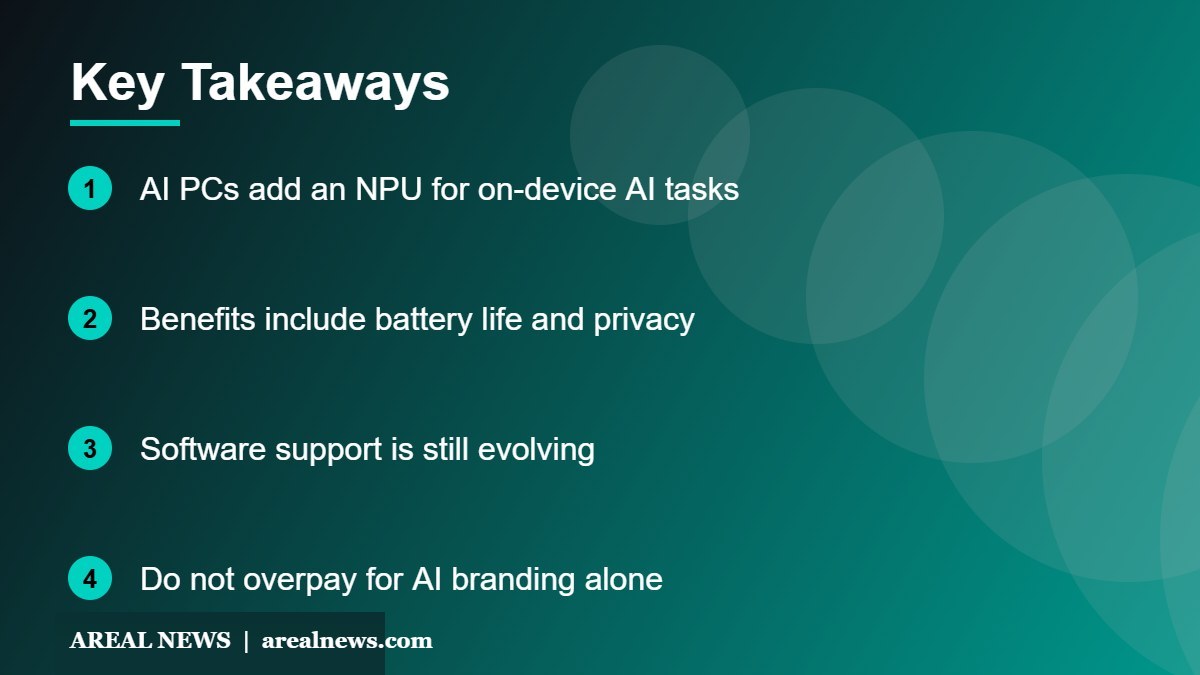
AI PCs are real, and NPUs are becoming standard. They offer efficiency and some useful features, but the software ecosystem is still maturing. Buy for core laptop quality first, and treat AI features as a bonus that will gain value over time.
How We Research and Update This Guide
Every Areal News guide on technology starts with the questions U.S. readers actually ask. We review official documentation, published specifications, independent test results where they exist and real-world user feedback, then compare products on the same criteria so recommendations are consistent. We explain our reasoning instead of simply ranking products, so you can adjust the advice to your own situation and budget.
Technology changes quickly. Prices, plans, features and availability can change after publication, so always confirm current details on the provider’s own website before you buy or sign up. We revisit our guides regularly and update them when something important changes. If you spot an error or an out-of-date recommendation, please tell us through our contact page and we will review it promptly.
Some of our articles contain affiliate links. If you purchase through one, we may earn a commission at no additional cost to you. Commissions never decide which products we recommend or how we rank them; our affiliate disclosure explains how we keep editorial decisions independent. This article is for general information and is not professional legal, financial or security advice.