
AI image generators turn short text descriptions into illustrations, product mockups, social graphics and photorealistic scenes in seconds. Marketers use them for campaign concepts, small businesses use them for social posts, and hobbyists use them to explore ideas. But with several strong tools available, which is best? And what do you need to know about commercial use and copyright before putting generated pictures on your website? This guide compares the leading options for U.S. users.
Disclosure: we may earn commissions from some links, as described in our affiliate disclosure. Features and plans change frequently, so confirm details with each provider.
How AI Image Generators Work
These tools use machine-learning models trained on large datasets of images and captions. When you type a prompt, the model produces new pixels that match the description. The result depends on the model, the clarity of your prompt and the settings you choose. Because the images are generated rather than copied, each output is unique, though models can still reproduce styles or patterns that raise legal questions.
Top AI Image Generators
Midjourney: best for artistic quality
Midjourney is famous for striking, stylized images with rich lighting and composition. It is often the favorite of designers and concept artists. It runs through a web interface and has no permanent free tier, so expect a subscription. It has a learning curve, but the quality is hard to beat for creative work.
ChatGPT image generation: best for convenience and text
OpenAI’s image tools built into ChatGPT make it simple to describe, refine and iterate in conversation, and recent models handle text inside images better than most. It is ideal for quick marketing visuals, diagrams and edits.
Adobe Firefly: best for commercial-safe use
Adobe Firefly was trained on licensed and public-domain content, and Adobe positions it for professional use with integrations in Photoshop and Express. Businesses that worry about copyright often prefer it.
Google Gemini and Imagen: best for Google users
Google’s tools generate images within Gemini and other Google products, which is convenient for people who already work in that ecosystem.
Canva and Leonardo: best for beginners and social content
Canva’s built-in generator is excellent for creating graphics inside templates, while Leonardo offers a flexible platform with many style models and a free daily allowance.
Writing Prompts That Work
- Describe the subject clearly. Example: a golden retriever wearing a delivery uniform.
- Add style and mood. Watercolor, studio photograph, flat vector or cinematic lighting.
- Specify composition. Close-up, wide shot, centered or isometric view.
- Mention color palette. Warm earth tones or bright primary colors.
- State the use. Blog header, square social post or poster, so the aspect ratio makes sense.
- Iterate. Generate variations and refine the strongest result.
Commercial Use and Copyright
Rules are evolving. In the United States, the Copyright Office has said that purely AI-generated material without sufficient human authorship may not qualify for copyright protection, which means you might not be able to stop others from copying it. Each platform sets its own terms for commercial use, and some limit it to paid subscribers. Avoid generating images of real people without permission, brand logos or content that imitates a living artist’s signature style. For business-critical designs, consider consulting an attorney.
Quality Problems to Watch For
- Distorted hands, extra fingers or odd anatomy.
- Garbled or misspelled text inside images.
- Inconsistent details in product images.
- Biased or stereotyped depictions.
- Unnatural lighting that looks artificial.
Always inspect images at full size and edit or regenerate flawed results. For product pages, use real photos wherever accuracy matters, since customers expect to see the item they will receive.
Using AI Images on Your Website
Compress images to keep pages fast, add descriptive alt text, and place them near relevant text. For blogs, combine original photos, screenshots and generated visuals, and avoid publishing dozens of near-identical graphics. Learn setup basics in our WordPress blog tutorial, and see how AI fits your wider toolkit in AI tools for small business and AI writing tools.
Which Tool for Which Job?
For a quick social graphic, Canva or ChatGPT will get you there fastest. For a hero illustration that needs a distinctive look, try Midjourney. For anything that carries legal risk, such as ad campaigns, work with Firefly or a designer, and keep records of prompts and edits. Beginners should start with a free tier, learn what good prompts look like and only then pay for the platform that matches their style.
Frequently Asked Questions
Is there a free AI image generator?
Yes. Several tools offer free daily credits, including Canva, Leonardo and Microsoft’s image tools, though quality and limits vary.
Can I sell products with AI art?
Often yes, but check terms of service and consider the lack of copyright protection and trademark issues.
Which is best for realistic photos?
Midjourney and recent OpenAI and Google models produce very realistic results. Test with your own prompts.
Final Verdict
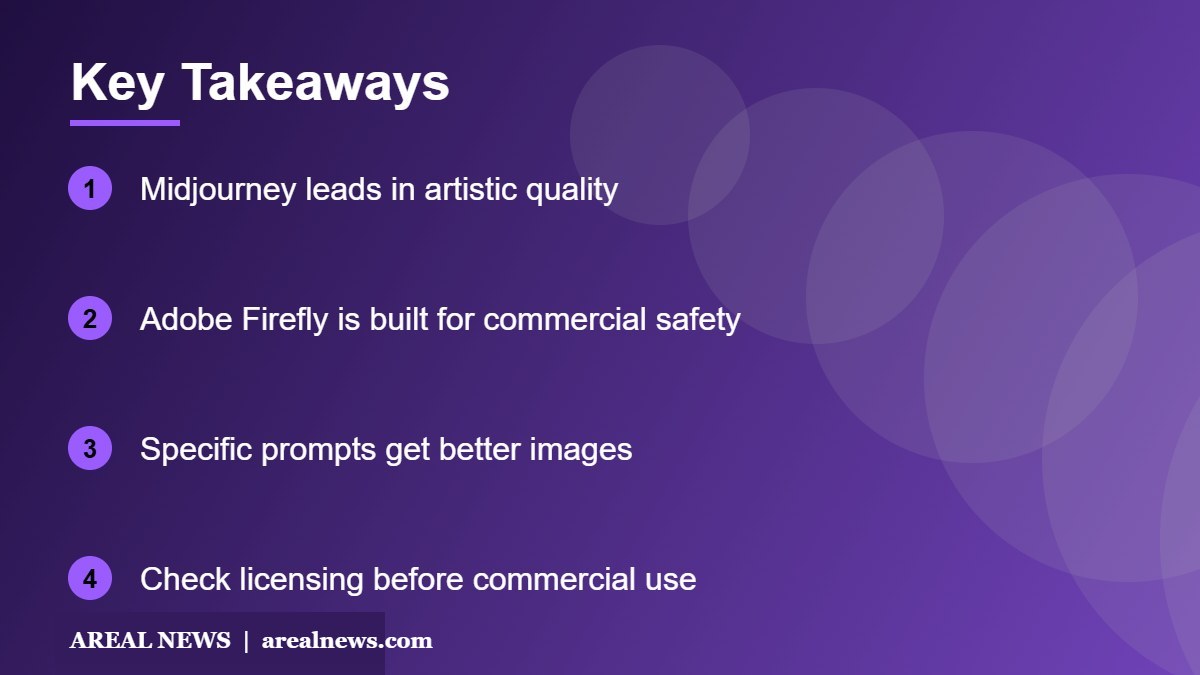
Choose Midjourney for artistic excellence, ChatGPT for convenience, Adobe Firefly for commercial confidence and Canva for ease. Whatever tool you pick, write clear prompts, review every image and respect copyright. AI can speed up creativity, but your judgment gives images meaning.
How We Research and Update This Guide
Every Areal News guide on artificial intelligence starts with the questions U.S. readers actually ask. We review official documentation, published specifications, independent test results where they exist and real-world user feedback, then compare products on the same criteria so recommendations are consistent. We explain our reasoning instead of simply ranking products, so you can adjust the advice to your own situation and budget.
Technology changes quickly. Prices, plans, features and availability can change after publication, so always confirm current details on the provider’s own website before you buy or sign up. We revisit our guides regularly and update them when something important changes. If you spot an error or an out-of-date recommendation, please tell us through our contact page and we will review it promptly.
Some of our articles contain affiliate links. If you purchase through one, we may earn a commission at no additional cost to you. Commissions never decide which products we recommend or how we rank them; our affiliate disclosure explains how we keep editorial decisions independent. This article is for general information and is not professional legal, financial or security advice.


