
Three AI assistants dominate the conversation: OpenAI’s ChatGPT, Anthropic’s Claude and Google’s Gemini. All three can write, summarize, answer questions, analyze documents and help with code, and all three improve rapidly, with new models appearing every few months. Because features and rankings shift quickly, the best approach is to understand each assistant’s strengths and philosophy and then test them on your own tasks. This comparison gives you a framework for choosing, with practical advice for U.S. users.
Disclosure: we may earn commissions on some links; see our affiliate disclosure. Product details change often, so check each provider’s current plans and limits.
The Short Answer
- ChatGPT: the broadest set of features and integrations, great as a default assistant.
- Claude: thoughtful writing, long-document analysis and careful reasoning.
- Gemini: deep Google integration and strong multimodal tools.
ChatGPT: The Versatile All-Rounder
ChatGPT popularized conversational AI and remains the most widely used assistant. It handles writing, brainstorming, data analysis, image creation and voice conversations, and it supports custom assistants and plug-in style integrations. Paid plans unlock more capable models, higher limits and advanced features. Its ecosystem is the largest, so tutorials, templates and third-party tools are plentiful.
Best for
People who want one assistant that does a bit of everything, from drafting emails to planning trips and analyzing spreadsheets.
Watch out for
Occasional confident mistakes, which you should verify, and usage limits on the free plan during busy times.
Claude: The Thoughtful Writer and Analyst
Claude is built by Anthropic, which emphasizes safety and reliability. Users praise its natural writing style, ability to follow detailed instructions and talent for reading long documents such as contracts, reports and codebases. Features such as projects and file uploads help you work with multiple sources in one place.
Best for
Writers, researchers, analysts and developers who value nuanced responses and long-context work.
Watch out for
Fewer consumer integrations than some rivals and usage caps on busy periods depending on plan.
Gemini: The Google-Connected Assistant
Gemini works inside Gmail, Docs, Sheets, Drive and Android, so it can summarize emails, draft documents and help with spreadsheets without copy-and-paste. It also supports images, audio and video understanding and can browse current information through Google’s services.
Best for
People who live in Google Workspace or use Android phones and want an assistant woven into their daily tools.
Watch out for
Review privacy settings carefully, since an assistant connected to your email and files has access to sensitive information.
Side-by-Side Comparison
- Writing quality: Claude often feels most natural; ChatGPT is flexible; Gemini is solid and improving.
- Coding help: all three are strong, and rankings change with each release.
- Research: Gemini and ChatGPT offer web-connected features, while Claude excels at working through supplied documents.
- Integrations: Gemini for Google, ChatGPT for third-party apps, Claude for developer tools and projects.
- Price: all offer free tiers and paid plans at similar monthly prices; check current pricing.
How to Test Them Yourself
- Pick three real tasks: for example, summarize a long article, draft a customer email and fix a spreadsheet formula.
- Give each assistant the same prompt and context.
- Compare accuracy, tone, speed and how easy it is to refine the answer.
- Check privacy controls and data settings.
- Choose the one that saves you the most time, and keep a second as backup.
Privacy and Safety Considerations
Before sharing sensitive information, review how each provider uses conversation data and whether you can opt out of training. For work, prefer business plans that offer stronger privacy commitments and admin controls. Never paste passwords, personal identification numbers or confidential customer data. Strengthen your accounts with a unique password and two-factor authentication using our password manager and 2FA guides.
Which Should You Choose?
For students
Start with the free tiers of all three, because each can explain concepts and help you outline papers. Follow your school’s rules about disclosure.
For small businesses
ChatGPT or Gemini often fit best depending on whether you use Microsoft-style tools or Google Workspace. See best AI tools for small business for more options.
For writers and analysts
Claude is a strong choice for long-form drafting and document analysis. Add a grammar tool, as covered in best AI writing tools.
For developers
Try all three. Each supports code generation and debugging, and developer-focused tools built on them offer deeper integration.
Frequently Asked Questions
Is any of them completely accurate?
No. All can make errors. Verify important facts.
Do I need to pay?
Free tiers are enough for casual use. Pay if you hit limits or need advanced features.
Can I use more than one?
Yes, many professionals use different assistants for different jobs.
Bottom Line
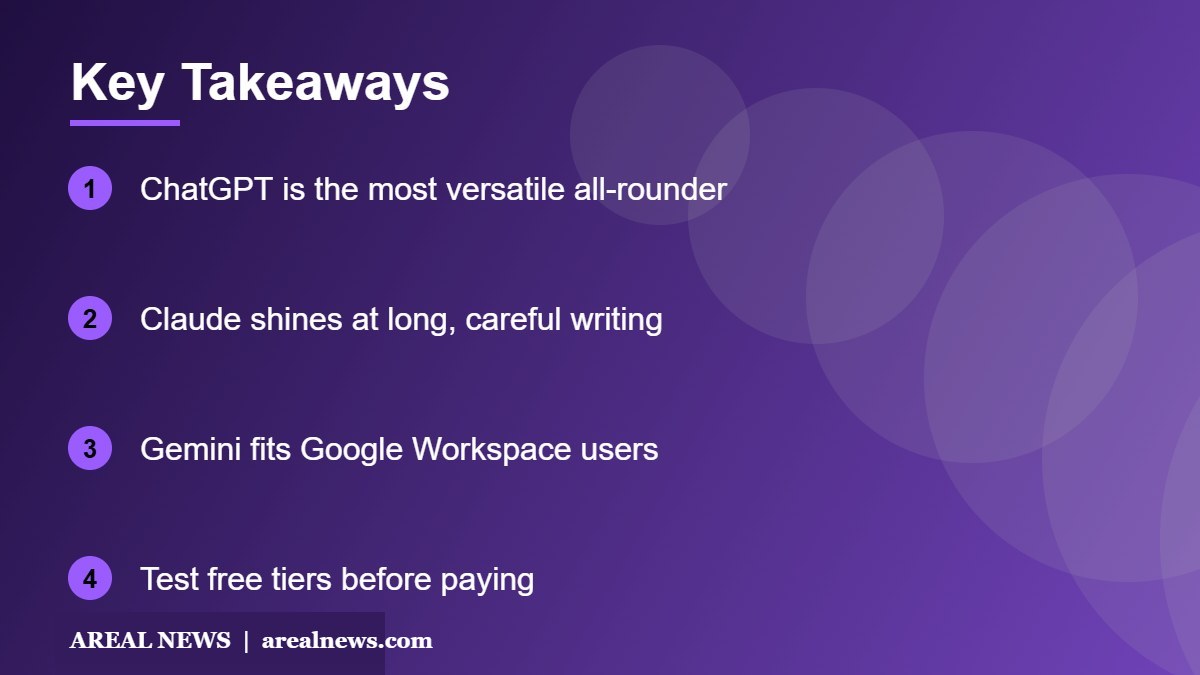
There is no single winner for everyone. ChatGPT is the safest all-purpose pick, Claude is a favorite for careful writing and long documents, and Gemini is ideal if Google tools run your day. Spend an afternoon testing them on real work, and you will quickly find the assistant that fits. If you want to put AI to use immediately, read how to use AI to save time at work.
How We Research and Update This Guide
Every Areal News guide on artificial intelligence starts with the questions U.S. readers actually ask. We review official documentation, published specifications, independent test results where they exist and real-world user feedback, then compare products on the same criteria so recommendations are consistent. We explain our reasoning instead of simply ranking products, so you can adjust the advice to your own situation and budget.
Technology changes quickly. Prices, plans, features and availability can change after publication, so always confirm current details on the provider’s own website before you buy or sign up. We revisit our guides regularly and update them when something important changes. If you spot an error or an out-of-date recommendation, please tell us through our contact page and we will review it promptly.
Some of our articles contain affiliate links. If you purchase through one, we may earn a commission at no additional cost to you. Commissions never decide which products we recommend or how we rank them; our affiliate disclosure explains how we keep editorial decisions independent. This article is for general information and is not professional legal, financial or security advice.


