
A smartwatch can do more than tell time. It tracks workouts, monitors sleep and heart rate, shows notifications, handles payments, offers navigation and can even call for help in an emergency. But the market is split by platform, and the best watch for an iPhone user is not the best for an Android user. Battery life ranges from a day to several weeks depending on the design. This guide helps you choose by explaining what each major watch does well and who it suits.
Disclosure: some links may earn commissions; see our affiliate disclosure. Health features are not medical devices unless stated, and you should consult a doctor for medical concerns.
Compatibility First
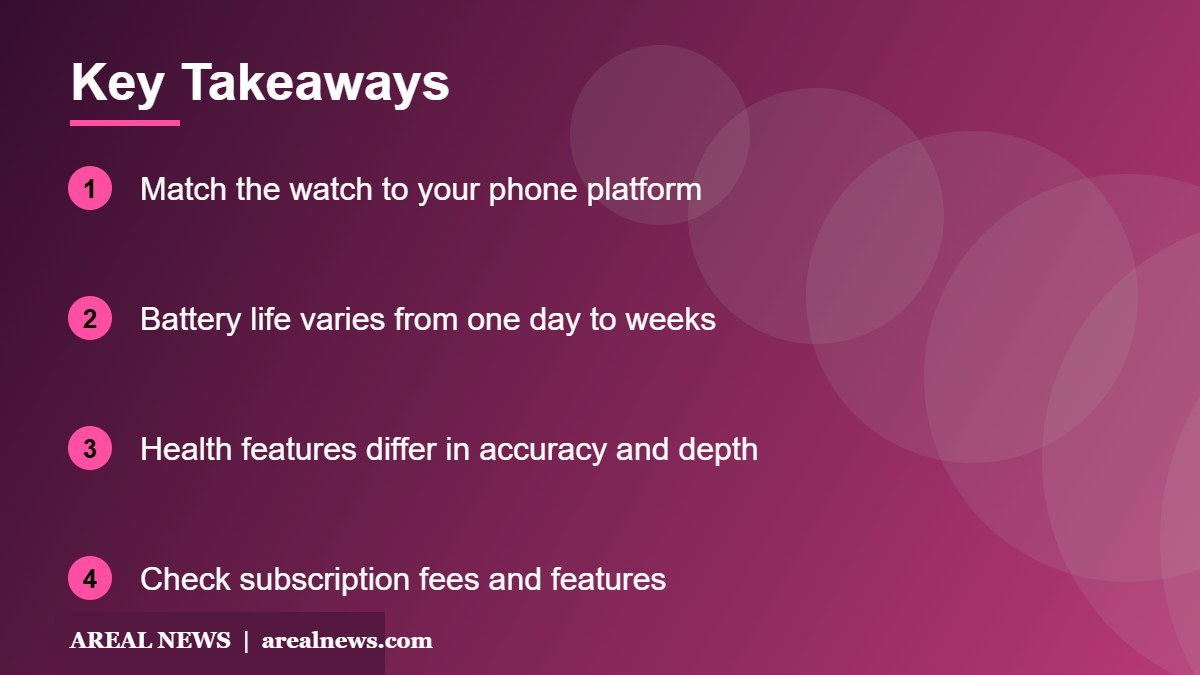
Apple Watch works only with iPhone. Samsung Galaxy Watch and Google Pixel Watch work with Android, with the Pixel Watch best with Pixel phones and Galaxy Watch best with Samsung phones. Garmin, Fitbit and many other brands work with both iPhone and Android. Match your watch to your phone before comparing features. See our iPhone vs Android guide if you are still deciding.
Top Smartwatches
Apple Watch Series and Ultra: best for iPhone users
Apple Watch offers a polished interface, strong fitness and health tracking, easy payments, an excellent app store and reliable safety features such as fall detection and emergency SOS. The Ultra adds a larger battery and rugged design for outdoor use. Battery life is typically about a day or two.
Samsung Galaxy Watch: best for Samsung phones
Galaxy Watch provides body composition analysis, sleep tracking and smooth integration with Samsung phones. Wear OS offers a growing app selection.
Google Pixel Watch: best for Pixel and Fitbit fans
Pixel Watch combines Fitbit health features with a clean design and Google services. It works best with Pixel phones.
Garmin: best for serious fitness and battery life
Garmin watches are favored by runners, cyclists, hikers and triathletes, with detailed training metrics, maps and battery life that can reach a week or more. They work with both platforms, though smart features are less extensive than those of Apple and Samsung.
Fitbit and budget bands
Fitbit trackers and low-cost bands from Xiaomi, Amazfit and others offer step counting, heart-rate monitoring and sleep tracking at low prices, with long battery life.
Features to Compare
- Health tracking: heart rate, blood oxygen, sleep, ECG and temperature sensing where available.
- Fitness tools: GPS, workout modes and recovery metrics.
- Battery life: daily charging versus multi-day or multi-week designs.
- Display and size: brightness, readability and comfort on your wrist.
- Payments and apps: contactless pay and third-party apps.
- Cellular option: lets you make calls and stream without your phone, at an added monthly cost.
- Subscriptions: some brands lock advanced insights behind a monthly fee.
How Accurate Are Health Trackers?
Consumer watches are good at tracking trends, such as resting heart rate and sleep patterns, but are not perfect and are not substitutes for medical devices. Use the data to understand habits, and talk to a healthcare professional about concerns. Features such as ECG or irregular rhythm notification are cleared for certain uses in some regions, but check the details.
Smartwatch Tips for Better Results
Wear the watch snugly, about a finger-width above the wrist bone, for accurate heart-rate readings. Charge it at predictable times, such as while you shower, so you never miss sleep tracking. Customize notifications so only important alerts buzz your wrist, and set daily goals that fit your life. Review weekly summaries rather than obsessing over individual readings.
Privacy and Security
Health data is sensitive. Review sharing settings, use a strong passcode, enable two-factor authentication on your account and be careful with third-party apps. Use our 2FA guide and password manager guide to protect the accounts connected to your watch.
Buying Tips
- Try on watches in a store to check size and comfort.
- Check band options and replacement costs.
- Compare prices from retailers and carriers, particularly for cellular models.
- Look for last-generation models at lower prices.
- Consider matching earbuds; see best wireless earbuds.
Smart Buying and Safety Checklist
Before buying a phone or wearable, think about how long it will receive software and security updates, how easily the battery and screen can be repaired and what accessories you will also need. Compare carrier deals carefully, including trade-in conditions, promotional credits spread over many months and the full cost of unlocked versus financed devices. Use your phone for a few days within the return period, test the camera and battery in your normal routine and keep a backup of your data.
Frequently Asked Questions
Do I need a smartwatch?
No, but it is helpful for fitness, notifications and safety features.
Can an Android phone use an Apple Watch?
No. Apple Watch requires an iPhone.
Which smartwatch has the longest battery?
Garmin and some budget brands offer the longest battery life, from a week to several weeks.
Final Verdict
Apple Watch is best for iPhone users, Galaxy Watch and Pixel Watch suit Android owners, and Garmin is ideal for athletes and battery life. Match platform, check features you will use and ignore the rest. See also best smartphones right now to pair your watch with the right phone.
How We Research and Update This Guide
Every Areal News guide on mobile technology starts with the questions U.S. readers actually ask. We review official documentation, published specifications, independent test results where they exist and real-world user feedback, then compare products on the same criteria so recommendations are consistent. We explain our reasoning instead of simply ranking products, so you can adjust the advice to your own situation and budget.
Technology changes quickly. Prices, plans, features and availability can change after publication, so always confirm current details on the provider’s own website before you buy or sign up. We revisit our guides regularly and update them when something important changes. If you spot an error or an out-of-date recommendation, please tell us through our contact page and we will review it promptly.
Some of our articles contain affiliate links. If you purchase through one, we may earn a commission at no additional cost to you. Commissions never decide which products we recommend or how we rank them; our affiliate disclosure explains how we keep editorial decisions independent. This article is for general information and is not professional legal, financial or security advice.


