
Customer relationship management software, or CRM, helps businesses track leads, remember conversations and follow up before opportunities slip away. For a small business, a CRM replaces scattered spreadsheets, sticky notes and overflowing inboxes with a single system that shows where every prospect stands. The right tool can raise sales, improve customer service and save hours weekly. The wrong one becomes expensive shelfware. This guide helps you understand what a CRM does, compares the leading options and shows how to roll one out successfully.
Disclosure: some links may earn us commissions; read our affiliate disclosure. Pricing changes often, so verify current plans.
What a CRM Does
- Contact management: stores names, emails, phone numbers, notes and history.
- Pipeline tracking: visualizes deals as they move from lead to closed.
- Task and reminder management: ensures follow-ups happen.
- Email and calendar integration: logs messages and meetings automatically.
- Automation: sends sequences, assigns leads and updates records.
- Reporting: shows revenue forecasts, conversion rates and team performance.
Top CRM Options for Small Businesses
HubSpot CRM: best free starting point
HubSpot offers a capable free CRM with contact management, deal tracking, email tools and basic reporting, and it expands into marketing, sales and service products as you grow. The free tier is generous, though advanced automation and reporting require paid plans, which can become costly.
Zoho CRM: best value
Zoho CRM provides extensive customization, automation and integration at lower prices than many competitors. It fits businesses that want powerful features on a budget and do not mind a slightly steeper learning curve.
Salesforce Essentials: best for scalability
Salesforce is the industry giant, with unmatched customization and a huge ecosystem. Its small-business edition is simpler, but the platform can be complex and pricier. It is a good choice if you expect to scale significantly.
Pipedrive: best for sales teams
Pipedrive focuses on visual pipelines and simple workflows, which makes it popular with small sales teams that want something easy to adopt.
Freshsales and monday sales CRM
Freshsales offers built-in phone, email and AI features at moderate prices, while monday’s CRM suits teams already using its work platform.
How to Choose a CRM
- Map your process. Write down how a lead becomes a customer and where you lose track.
- List must-have integrations. Email, calendar, accounting and website forms. Check our guide to accounting software.
- Count users. Per-user pricing adds up quickly.
- Test with real data. Use free trials with a few of your actual contacts.
- Check mobile apps. Field teams need access on the go.
- Ask about support and onboarding.
Implementation Tips
Start small
Begin with contacts, a simple pipeline and a few automations. You can add complexity later.
Clean your data
Before importing, remove duplicates and outdated entries. A messy start leads to mistrust of the system.
Train your team
Explain the benefits, such as fewer manual tasks, and make updating the CRM part of the daily routine.
Protect customer data
Limit access by role, enable two-factor authentication and follow privacy laws. See our 2FA guide and password manager guide.
Metrics to Track Once Your CRM Is Live
Track lead response time, the percentage of leads that become customers, average deal size, the length of your sales cycle and customer retention. Review these numbers monthly with your team, and adjust your pipeline stages when you notice deals stalling in the same place. A CRM only becomes valuable when the data is accurate and the team acts on what it shows.
AI Features in Modern CRMs
Many CRMs now include assistants that summarize calls, draft follow-up emails and predict which deals are likely to close. These can save time, but review suggestions before sending. See our overview of AI tools for small business for more ideas.
Smart Buying and Safety Checklist
Business software should earn its place. Write down the three problems you want to solve, trial two or three products with real data, and ask whether your team will realistically use the tool every day. Compare the full cost, including per-user fees, add-ons and onboarding, and confirm that you can export your data in a standard format if you leave. Set role-based permissions, enable two-factor authentication and keep an independent backup of your most important records.
Frequently Asked Questions
Do I need a CRM if I have few customers?
If you rely on memory or spreadsheets and sometimes miss follow-ups, a free CRM is worth trying.
How much does a CRM cost?
Free plans exist, and paid plans commonly range from roughly ten to a hundred dollars per user monthly depending on features.
Can I switch CRMs later?
Yes, most allow data export in standard formats, but migrations take planning.
Final Verdict
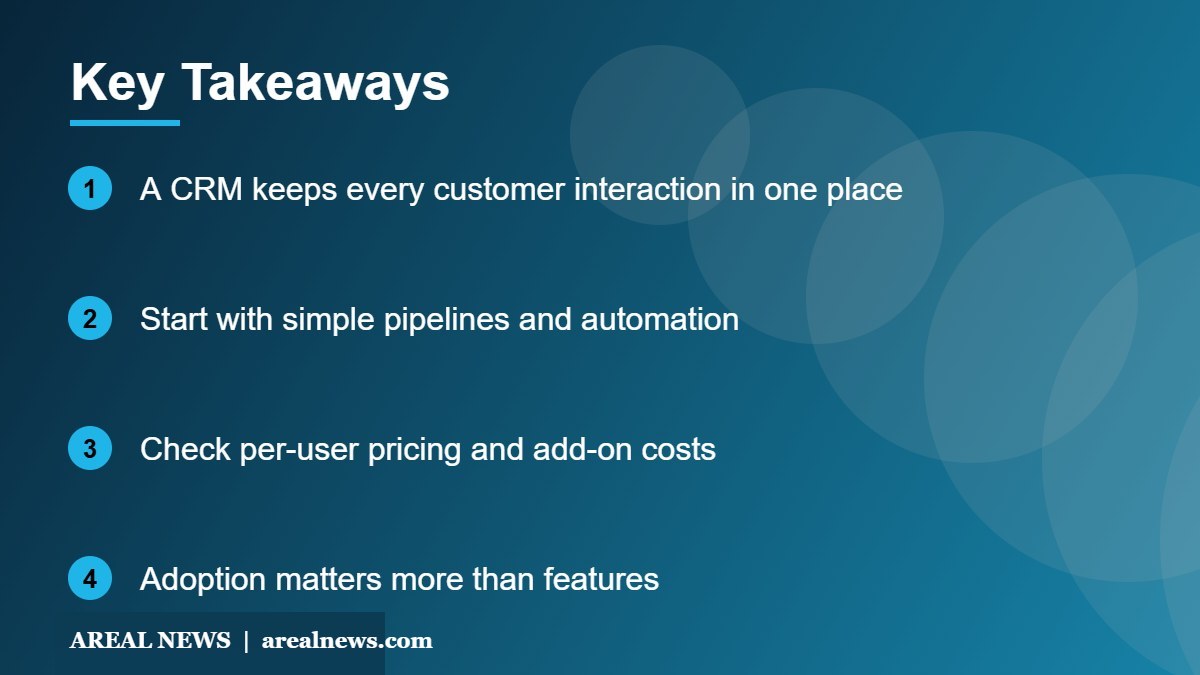
Start with HubSpot’s free CRM if you are new, choose Zoho for budget power, Pipedrive for straightforward sales pipelines and Salesforce if you expect to scale. The best CRM is the one your team actually uses every day.
How We Research and Update This Guide
Every Areal News guide on business software starts with the questions U.S. readers actually ask. We review official documentation, published specifications, independent test results where they exist and real-world user feedback, then compare products on the same criteria so recommendations are consistent. We explain our reasoning instead of simply ranking products, so you can adjust the advice to your own situation and budget.
Technology changes quickly. Prices, plans, features and availability can change after publication, so always confirm current details on the provider’s own website before you buy or sign up. We revisit our guides regularly and update them when something important changes. If you spot an error or an out-of-date recommendation, please tell us through our contact page and we will review it promptly.
Some of our articles contain affiliate links. If you purchase through one, we may earn a commission at no additional cost to you. Commissions never decide which products we recommend or how we rank them; our affiliate disclosure explains how we keep editorial decisions independent. This article is for general information and is not professional legal, financial or security advice.


