
Artificial intelligence has changed how people write. Marketers draft campaigns in minutes, bloggers brainstorm outlines faster, and business owners polish emails with a few clicks. But the number of AI writing tools has exploded, and many promise the same thing. Which ones are actually worth paying for, and how do you use them without producing bland, error-filled content? This guide compares the leading options and explains how to get genuinely good results.
Disclosure: some links may be affiliate links; see our affiliate disclosure. For broader comparisons of assistants, see ChatGPT vs Claude vs Gemini.
What AI Writing Tools Do Well
AI assistants excel at turning a rough idea into a first draft, rewriting text in a different tone, summarizing long documents, brainstorming headlines and creating variations for ads or social posts. They are also helpful for overcoming writer’s block and for editing, such as tightening sentences or catching grammar problems.
Where They Fall Short
AI can produce confident-sounding errors, sometimes called hallucinations. It may invent statistics, quotes or sources, and it often lacks lived experience. It tends toward generic phrasing unless you give detailed instructions. Treat output as a draft that needs human review, especially for legal, medical or financial topics.
How We Evaluate AI Writing Tools
- Quality and accuracy: clarity, factual reliability and the ability to follow instructions.
- Control: tone, length, style guides and the ability to use your own examples.
- Workflow features: templates, collaboration, integrations and SEO tools.
- Privacy: how your prompts and documents are stored and used.
- Price: free tiers, subscription costs and usage limits.
Top AI Writing Tools
ChatGPT: best all-purpose assistant
ChatGPT is versatile for drafting, editing, brainstorming and analysis, with a strong free tier and paid plans that unlock more advanced models and features such as file analysis and custom assistants. It is a great first tool for most people.
Claude: best for long, thoughtful writing
Claude is known for natural-sounding prose, careful instruction following and the ability to handle long documents. Writers often like it for editing, summarizing reports and drafting longer pieces with a consistent tone.
Gemini: best for Google users
Google’s assistant integrates with Docs, Gmail and other Google services, which makes it convenient for people who already work inside that ecosystem.
Grammarly: best for editing and clarity
Grammarly checks grammar, tone and clarity directly inside your browser and apps, and its generative features help rewrite and draft. It is excellent for polishing professional communication.
Jasper and Copy.ai: best for marketing teams
These platforms focus on marketing workflows with brand voice settings, templates for ads, emails and landing pages, and collaboration features. They cost more but suit teams producing high volumes of copy.
A Workflow That Produces Better Content
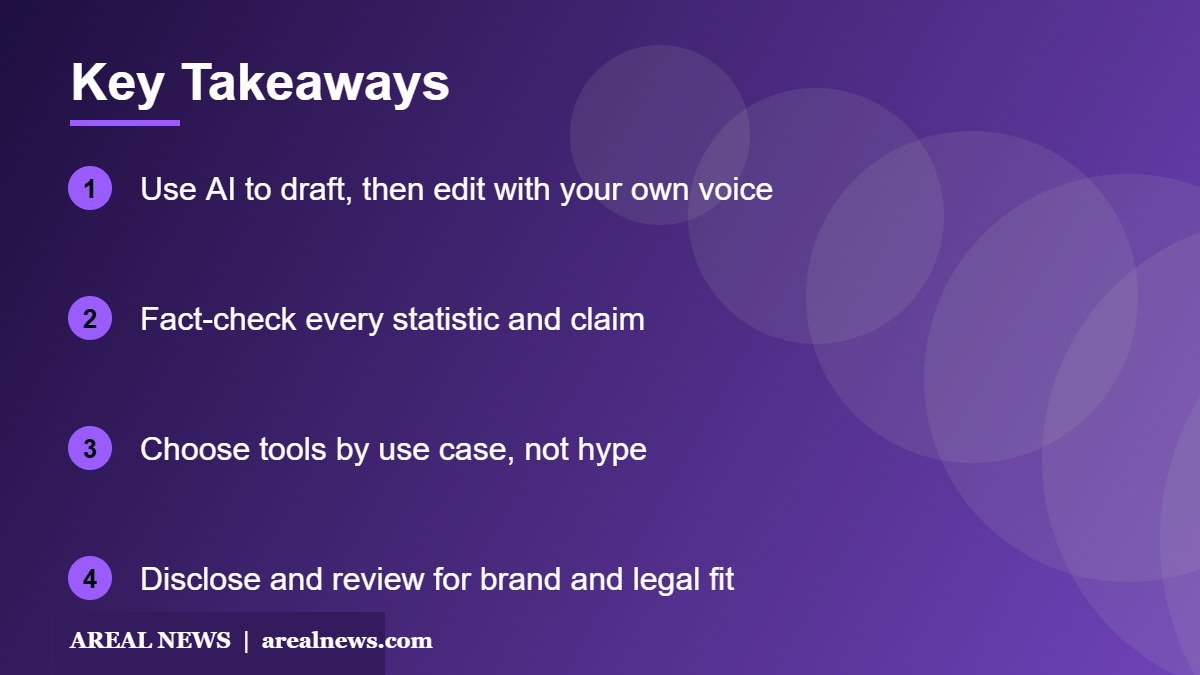
- Research first. Gather sources and facts yourself, or use AI to propose questions to answer.
- Create an outline. Ask for a structure, then reorganize it according to what your audience needs.
- Draft in sections. Give specific prompts with audience, tone and examples for each section.
- Add original value. Include your experience, data, screenshots and opinions.
- Fact-check. Verify names, numbers and claims against reliable sources.
- Edit for voice. Remove generic phrases and match your brand.
- Optimize. Add internal links, headings and metadata, as explained in our WordPress blog tutorial.
Prompt Tips That Actually Help
Give context: who is the reader, what do they need and what tone suits them? Provide examples of writing you like, specify word counts and formats, and ask for alternatives. Request that the assistant point out uncertainty rather than guess. Iterate: follow up with edits such as make this more concrete or cut the fluff.
Use Cases by Role
Bloggers and publishers
Use AI for topic research, outlines, meta descriptions and headline testing, then write the core insights yourself. Original photos, first-hand experience and clear opinions are what separate a trusted site from a generic one, and readers can tell the difference.
Small business owners
AI is helpful for product descriptions, customer emails, social posts and proposals. Create a short brand voice document and paste it into your prompts so every draft sounds like your company.
Students and professionals
Use assistants to explain difficult concepts, summarize readings and suggest ways to improve clarity, but follow your school or employer’s rules on disclosure and original work.
Sales and support teams
Draft replies, summarize long threads and create templates, then personalize each message. A quick human review prevents embarrassing mistakes and keeps the tone warm.
AI Content and SEO
Search engines focus on helpfulness, not on whether a human or a tool typed the words. Mass-produced, unreviewed content is risky because it is often thin or inaccurate. Use AI to support expertise rather than replace it, add unique insights and keep readers’ needs first.
Privacy and Ethics
Avoid pasting confidential data, customer records or trade secrets into consumer tools unless your plan guarantees privacy. Check your company’s policies, credit sources properly and follow disclosure rules for sponsored content. Learn more about safe usage in how to use AI to save time at work.
Frequently Asked Questions
Is there a free AI writing tool that is good enough?
Yes. Free tiers of ChatGPT, Claude and Gemini handle many everyday tasks. Paid plans offer higher limits and stronger models.
Can AI replace writers?
It can speed up drafting, but human judgment, creativity and accountability remain essential.
Will AI detectors flag my content?
Detectors are unreliable. Focus on quality and accuracy rather than trying to fool them.
Final Verdict
Start with ChatGPT or Claude, add Grammarly for polish, and consider Jasper or Copy.ai if you run a marketing team. Whatever you pick, keep a human in charge of facts and voice. Used well, AI is a powerful assistant, not an autopilot. Teams can pair these tools with the platforms in our AI tools for small business guide.
How We Research and Update This Guide
Every Areal News guide on artificial intelligence starts with the questions U.S. readers actually ask. We review official documentation, published specifications, independent test results where they exist and real-world user feedback, then compare products on the same criteria so recommendations are consistent. We explain our reasoning instead of simply ranking products, so you can adjust the advice to your own situation and budget.
Technology changes quickly. Prices, plans, features and availability can change after publication, so always confirm current details on the provider’s own website before you buy or sign up. We revisit our guides regularly and update them when something important changes. If you spot an error or an out-of-date recommendation, please tell us through our contact page and we will review it promptly.
Some of our articles contain affiliate links. If you purchase through one, we may earn a commission at no additional cost to you. Commissions never decide which products we recommend or how we rank them; our affiliate disclosure explains how we keep editorial decisions independent. This article is for general information and is not professional legal, financial or security advice.


