
Choosing between an iPhone and an Android phone is as much about habits and ecosystems as about hardware. In the United States, the two platforms are nearly evenly matched in popularity, and both deliver excellent cameras, fast performance and thousands of apps. The differences show up in how they work with your other devices, how long they receive updates, how much you can customize them and how much they cost. This guide walks through the real trade-offs so you can pick the platform that suits your life.
Disclosure: some links may earn commissions; see our affiliate disclosure. Features and policies change annually, so verify current information.
Ecosystem and Integration
Apple’s strength is how seamlessly its devices work together: iPhone, iPad, Mac, Apple Watch, AirPods and Apple TV share messages, calls, files and settings with minimal setup. In the U.S., iMessage also shapes social behavior, since many people use it for group chats. Android works well with Google services, Windows and a huge range of accessories, and its Samsung variants have their own ecosystem of watches, earbuds and tablets. If your family and friends use iPhones, or you own a Mac, the iPhone is often the easier choice.
Software Updates and Longevity
Apple supports iPhones with software and security updates for many years, and the updates arrive on all supported devices at the same time. Google and Samsung now promise multiple years of updates on their flagship phones, which narrows the gap, but update support on cheaper Android phones can be shorter and less consistent. If you plan to keep your phone for five years or more, check the update policy before you buy.
Customization and Control
Android lets you change launchers, default apps, widgets and system behavior, and you can install apps from outside the official store if you choose. iPhone has become more customizable with widgets and home screen options, but remains more controlled. If you like to tinker, Android has the edge. If you prefer a simple, consistent experience, iPhone is appealing.
Privacy and Security
Apple markets privacy as a core feature, with tools such as app tracking transparency and strong device encryption. Android has strong security too, especially on Google Pixel and Samsung flagships, with features like Play Protect and per-app permissions. Both platforms are only as safe as the user’s habits: update promptly, install apps from official stores, use a strong passcode and enable two-factor authentication. Learn about scams in how to spot phishing scams, and consider a VPN on public Wi-Fi using our guide to VPN on iPhone and Android.
Cameras
Both platforms offer outstanding cameras. iPhones are known for consistent video quality and natural color. Google Pixel phones shine at computational photography and low light, and Samsung flagships offer versatile zoom. At the high end, the difference is small and subjective, so compare sample photos and videos rather than specs.
Price and Variety
Android covers every price from budget phones to premium foldables, while iPhones start at a higher price but hold their resale value better. If you want a capable phone for a low price, Android has many options. If you want a premium phone that will sell well when you upgrade, iPhone is strong.
Repairs and Accessories
Both platforms offer repair programs and manufacturer support, and third-party accessories are widely available. USB-C is now standard on iPhones as well, which simplifies chargers. Compare accessories in our guides to wireless earbuds and smartwatches.
Who Should Choose iPhone?
- People who own other Apple devices.
- Families who share photos, locations and messages.
- Anyone who values simplicity and long software support.
- Buyers who care about resale value.
Who Should Choose Android?
- People who want more choice in design, price and features.
- Fans of customization and Google services.
- Buyers who want foldables or specialized form factors.
- Budget-conscious shoppers.
Switching Between Platforms
Switching is easier than ever. Apple and Google provide tools to move contacts, photos, calendars and many apps. Back up before you switch, remember to turn off iMessage when leaving iPhone and check paid app and subscription transfers. Review your carrier options too; see best cell phone plans in the USA.
Smart Buying and Safety Checklist
Before buying a phone or wearable, think about how long it will receive software and security updates, how easily the battery and screen can be repaired and what accessories you will also need. Compare carrier deals carefully, including trade-in conditions, promotional credits spread over many months and the full cost of unlocked versus financed devices. Use your phone for a few days within the return period, test the camera and battery in your normal routine and keep a backup of your data.
Frequently Asked Questions
Which has better battery life?
It varies by model. Compare reviews rather than platform.
Are iPhones more secure?
Both are secure with updates and good habits. Apple’s tighter control reduces some risks.
Is Android harder to use?
Not anymore. Modern Android is polished, though manufacturers’ skins differ.
Final Verdict
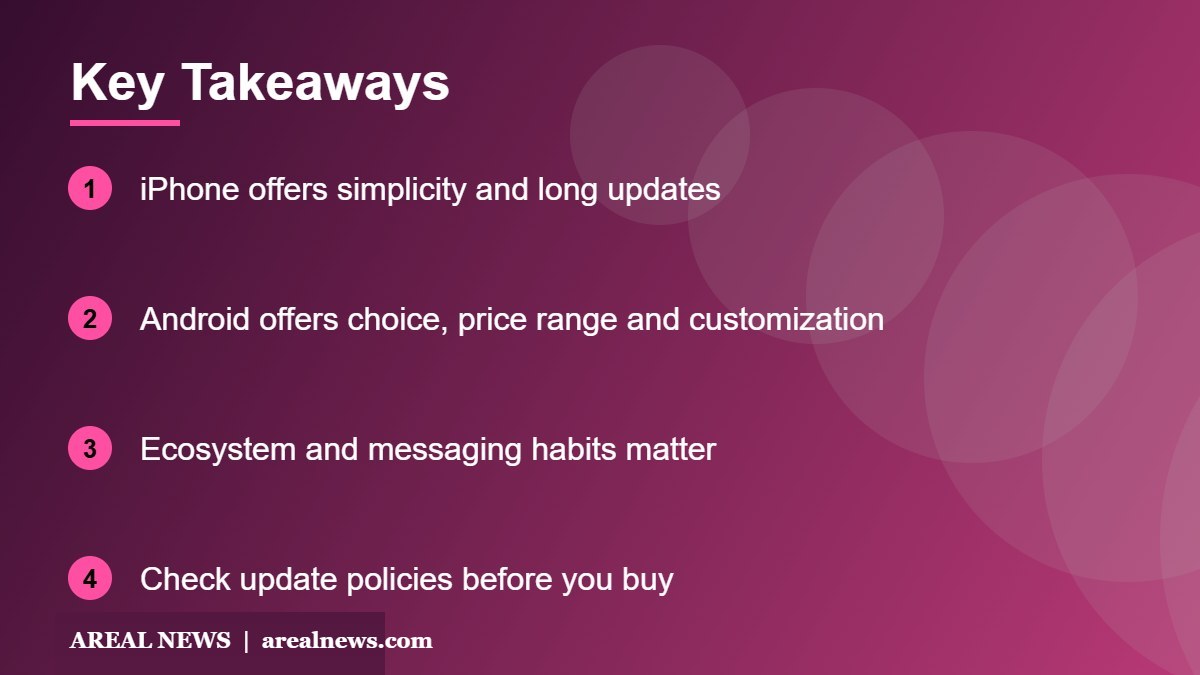
Pick iPhone for simplicity, ecosystem and longevity, and Android for variety, customization and value. Consider your friends, your computer, your budget and how long you plan to keep the phone, and either choice will serve you well.
How We Research and Update This Guide
Every Areal News guide on mobile technology starts with the questions U.S. readers actually ask. We review official documentation, published specifications, independent test results where they exist and real-world user feedback, then compare products on the same criteria so recommendations are consistent. We explain our reasoning instead of simply ranking products, so you can adjust the advice to your own situation and budget.
Technology changes quickly. Prices, plans, features and availability can change after publication, so always confirm current details on the provider’s own website before you buy or sign up. We revisit our guides regularly and update them when something important changes. If you spot an error or an out-of-date recommendation, please tell us through our contact page and we will review it promptly.
Some of our articles contain affiliate links. If you purchase through one, we may earn a commission at no additional cost to you. Commissions never decide which products we recommend or how we rank them; our affiliate disclosure explains how we keep editorial decisions independent. This article is for general information and is not professional legal, financial or security advice.


