
It is one of the oldest debates in tech, and it still matters: should your next laptop be a MacBook or a Windows PC? The honest answer is that both are excellent in 2026, and the right choice depends less on raw power than on the software you use, your budget, the devices you already own and how you work. This guide compares them across the factors that matter in real life and gives clear recommendations for students, professionals, creators and gamers.
Disclosure: some links may earn us commissions; read our affiliate disclosure. Features and prices change often, so verify current details.
Performance and Battery Life
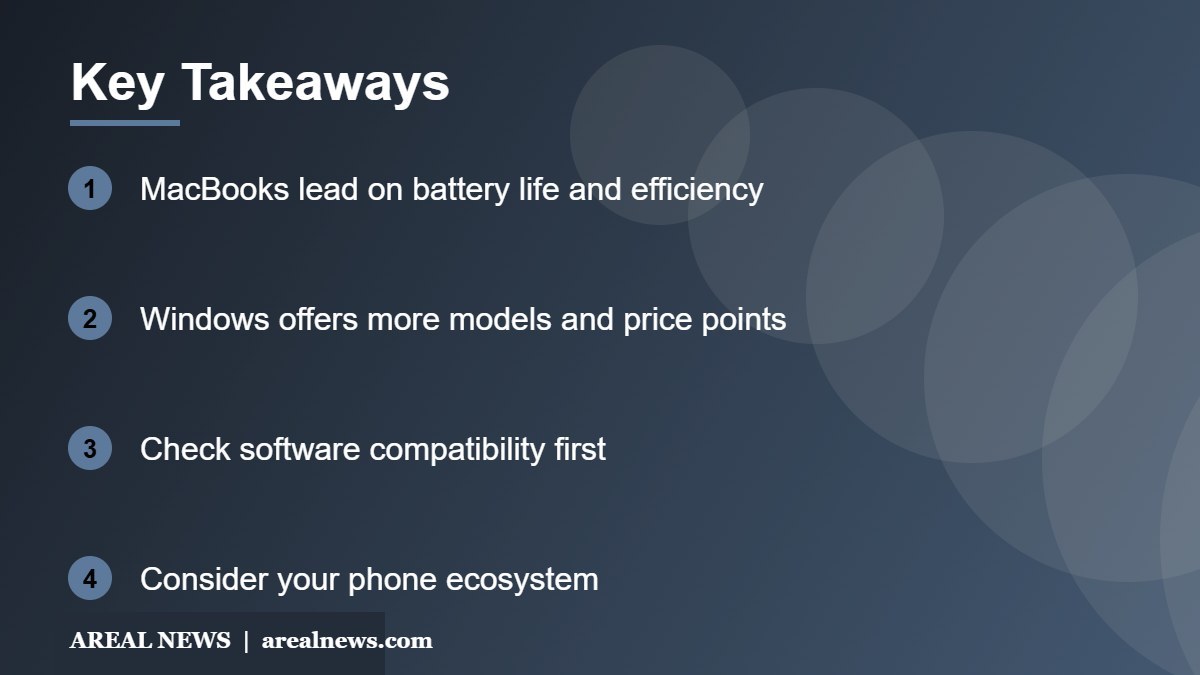
Apple’s laptops use the company’s own chips, which deliver strong performance with remarkable efficiency, so MacBooks tend to run quietly and last a long time on a charge. Windows laptops use chips from Intel, AMD and Qualcomm, and performance and battery life vary by model. High-end Windows machines can outperform MacBooks in certain workloads, especially gaming, but often with higher power use and more fan noise.
Price and Choice
Apple makes a handful of models, so choosing is simple, though prices are generally higher at the entry level. Windows offers hundreds of models from many brands at every price, from budget laptops to premium ultrabooks and powerful gaming rigs. If you want the cheapest possible laptop, Windows or a Chromebook wins. If you want the best long-term value from a premium machine, MacBooks hold resale value well.
Software and Compatibility
Where Windows leads
Windows has the widest software library, including most PC games, many engineering and finance programs and business tools tied to Windows. Some industries, such as CAD and certain accounting tools, rely heavily on Windows software.
Where Mac leads
macOS excels for creative work, with Final Cut Pro, Logic Pro, and strong support for Adobe apps, and it is popular among developers because of its Unix-based foundation. It integrates tightly with iPhone, iPad and Apple Watch for messaging, calls, file sharing and photos.
Cross-platform apps
Microsoft 365, Google Workspace, Zoom, Slack and most web apps work on both. Check any specialized software your school or employer requires before buying.
Security and Maintenance
Both platforms are secure when updated. Windows is the larger target for malware, so protective habits matter, and our antivirus guide helps. macOS has built-in protections, though threats exist there too. Regardless of platform, use a password manager and two-factor authentication.
Repair and Upgrades
Many Windows laptops allow memory or storage upgrades, and a wide repair network exists. MacBooks are generally sealed, so you must choose memory and storage correctly at purchase, and repairs are often handled by Apple or authorized providers. Consider AppleCare or a warranty if you buy a MacBook.
Gaming
Windows is the clear choice for gaming, with the largest game library and the best graphics hardware options. See best gaming laptops under $1,000. Mac gaming has improved, but the library is limited.
Who Should Choose What?
Students
MacBook Air is excellent for long days, while a Windows ultrabook gives price flexibility. Read best laptops for students.
Business professionals
If your company uses Windows-only software, choose Windows. If you work in an Apple-centric environment, MacBook Pro is superb. See best business laptops.
Creators
MacBook Pro is a favorite for photo and video editing and audio production, while powerful Windows laptops with dedicated graphics also shine.
Budget buyers
Windows laptops and Chromebooks offer far lower starting prices.
Cost Over Time
Compare what you will spend across four or five years, not just on day one. A cheaper Windows laptop may need replacement sooner, while a MacBook costs more up front but often sells for a meaningful amount when you upgrade. Factor in accessories, adapters, warranty plans and software subscriptions. Education discounts, refurbished units and seasonal sales can narrow the gap on either side.
Ecosystem Matters
If you own an iPhone, the convenience of AirDrop, iMessage, shared clipboard and Handoff on a Mac is real. If you use Android and Windows, Microsoft’s Phone Link provides some integration, and Google services work everywhere. Think about which phone and cloud services you use, and see iPhone vs Android for more.
Smart Buying and Safety Checklist
Specifications only tell part of the story. Look at real-world reviews of battery life, screen brightness, keyboard comfort, fan noise and build quality, and compare warranty terms and repair options. Prefer 16 GB of memory and a fast SSD for daily work, and check that the ports match the devices you already own. Buy from retailers with solid return policies, and test the machine thoroughly during the return window so you can catch problems early.
Frequently Asked Questions
Can I run Windows on a Mac?
Apple silicon Macs can run Windows in a virtual machine, but compatibility varies.
Which lasts longer?
Both can last many years. MacBooks receive long software support, and quality Windows laptops last well with care.
Is Mac worth the premium?
For many users yes, thanks to battery life, build quality and resale value.
Final Verdict
Choose a MacBook for battery life, simplicity and Apple integration. Choose Windows for flexibility, price range, gaming and specialized software. Check your must-have apps first, and the decision becomes easy.
How We Research and Update This Guide
Every Areal News guide on computer hardware starts with the questions U.S. readers actually ask. We review official documentation, published specifications, independent test results where they exist and real-world user feedback, then compare products on the same criteria so recommendations are consistent. We explain our reasoning instead of simply ranking products, so you can adjust the advice to your own situation and budget.
Technology changes quickly. Prices, plans, features and availability can change after publication, so always confirm current details on the provider’s own website before you buy or sign up. We revisit our guides regularly and update them when something important changes. If you spot an error or an out-of-date recommendation, please tell us through our contact page and we will review it promptly.
Some of our articles contain affiliate links. If you purchase through one, we may earn a commission at no additional cost to you. Commissions never decide which products we recommend or how we rank them; our affiliate disclosure explains how we keep editorial decisions independent. This article is for general information and is not professional legal, financial or security advice.


