
Building a website no longer requires a developer or any coding knowledge. Modern website builders let you choose a template, drag elements into place, connect a domain and publish within hours. But the market is crowded, and each platform has strengths and trade-offs: some are ideal for portfolios, others for online stores, and others for businesses that want a simple, affordable presence. This guide compares the leading builders for U.S. users so you can choose the right one for your project and avoid costly migrations later.
Disclosure: some links are affiliate links and may earn us a commission at no extra cost to you, as explained on our affiliate disclosure page.
Website Builder or WordPress?
A website builder is an all-in-one platform that includes hosting, design tools, security and support in a single subscription. WordPress is open-source software that you install on a host of your choice, which gives you nearly unlimited flexibility but also more responsibility for maintenance. If you value simplicity and speed, a builder is often the best choice. If you plan to publish lots of content, need advanced features or want full ownership and portability, WordPress usually wins. See our guide to starting a WordPress blog and our list of best WordPress hosting options.
What to Look for in a Website Builder
Ease of use and design quality
Choose a builder whose editor feels natural to you and whose templates look modern on phones as well as desktops. Most people begin from a template, so browse the available designs before you commit, and make sure customization options are flexible enough for your branding.
Features and apps
Think about what your site needs: appointment booking, a blog, an online store, a members area, email marketing or integrations with payment processors. Check whether these are built in or require paid add-ons.
SEO and performance
Good builders include editable page titles, meta descriptions, clean URLs, sitemaps and fast loading. Search visibility affects how many customers find you, so test the platform’s SEO tools and speed.
Pricing and hidden costs
Compare the real monthly price after discounts, plus transaction fees for stores, app subscriptions and the cost of a custom domain. Free plans usually show ads and use a subdomain, which looks unprofessional for a business.
Top Website Builders
Wix: best for flexibility
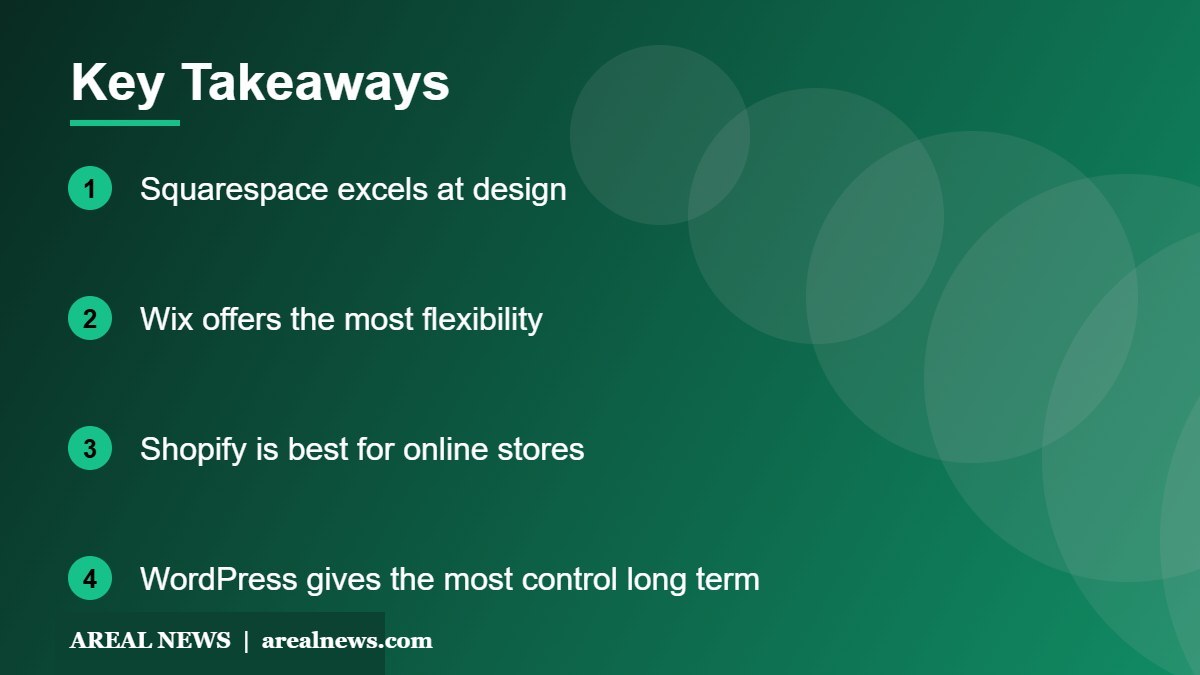
Wix offers a vast library of templates, a drag-and-drop editor with free positioning and a large app marketplace. It also includes AI tools that can generate a starter site quickly. It suits small businesses, restaurants, service providers and creators who want control over layout. The main drawback is that you cannot easily move a Wix site to another platform later.
Squarespace: best for design and portfolios
Squarespace is known for polished, minimalist templates, strong built-in tools for photographers, designers and consultants, and an integrated suite that includes scheduling and email campaigns. Its editor is more structured than Wix, which keeps designs clean but limits free-form tweaking.
Shopify: best for online stores
If selling products is your main goal, Shopify provides powerful inventory, checkout, shipping and payment tools, plus thousands of apps. It costs more than basic builders and charges transaction fees if you do not use its payment system, but it scales from first sale to large operations.
Hostinger Website Builder: best budget option
Hostinger’s builder combines low prices with AI-assisted creation and includes hosting and a domain on many plans. It is straightforward and good value for small business owners who want to launch quickly.
WordPress.com and Weebly alternatives
WordPress.com offers hosted WordPress with simpler management, while other builders such as GoDaddy’s and Weebly appeal to people who want minimal setup. Each has fewer options than the leaders above.
Quick Recommendations by Goal
- Online store: Shopify.
- Portfolio or creative business: Squarespace.
- Small business site with lots of options: Wix.
- Lowest cost: Hostinger.
- Blogging and long-term growth: WordPress on quality hosting, see best web hosting for small business.
How to Launch Your Site in a Weekend
- Define the goal of your site and list the pages you need: home, about, services, contact, and optionally a blog.
- Choose a builder and a template that matches your brand.
- Write clear text and collect high-quality photos. Our AI writing tools guide can help draft copy.
- Connect a custom domain and set up professional email.
- Add basic SEO: titles, descriptions, alt text and fast-loading images.
- Test on mobile, check forms and publish.
Limits of Website Builders
Builders trade freedom for convenience. You rely on one company for hosting and features, customization has boundaries and exporting your content can be difficult. For many small businesses these limits are acceptable, but if you expect to grow into complex requirements, plan for the possibility of migrating to WordPress or a custom platform.
Tips Before You Commit to a Platform
Create a free trial site and build one real page rather than clicking through demos. Check how long the page takes to load on a phone, whether the mobile layout looks right and whether you can edit titles, descriptions and image text for search. Read the cancellation and refund policy, and ask how to export your content. Finally, confirm that your domain is registered in your own name so you can take it with you if you ever leave.
Security and Backups
Hosted builders handle server security and updates for you, which is a major advantage. Still protect your login with a unique password and two-factor authentication. Use our guides on password managers and two-factor authentication to lock down your account.
Frequently Asked Questions
Which website builder is best for SEO?
Most leading builders provide solid basics. Quality content and speed matter more than the platform, though WordPress offers the most advanced options.
Can I move my site later?
It depends. Some builders allow limited exports, but many require rebuilding on a new platform.
Are free plans worth it?
They are useful for experimenting but display ads and subdomains that look unprofessional for business use.
Do I need technical skills?
No. Builders are designed for beginners, and most include tutorials and support.
Final Verdict
Pick Shopify for stores, Squarespace for design-focused sites, Wix for flexibility and Hostinger for budget-friendly launches. If long-term growth and control matter most, WordPress is the strongest foundation. Take advantage of free trials, build a sample page and see which editor feels best before you pay.


